Pinball Spire
Bump and flip your way to the top in this pinball adventure!

Bump and flip your way to the top in this pinball adventure!
About the game
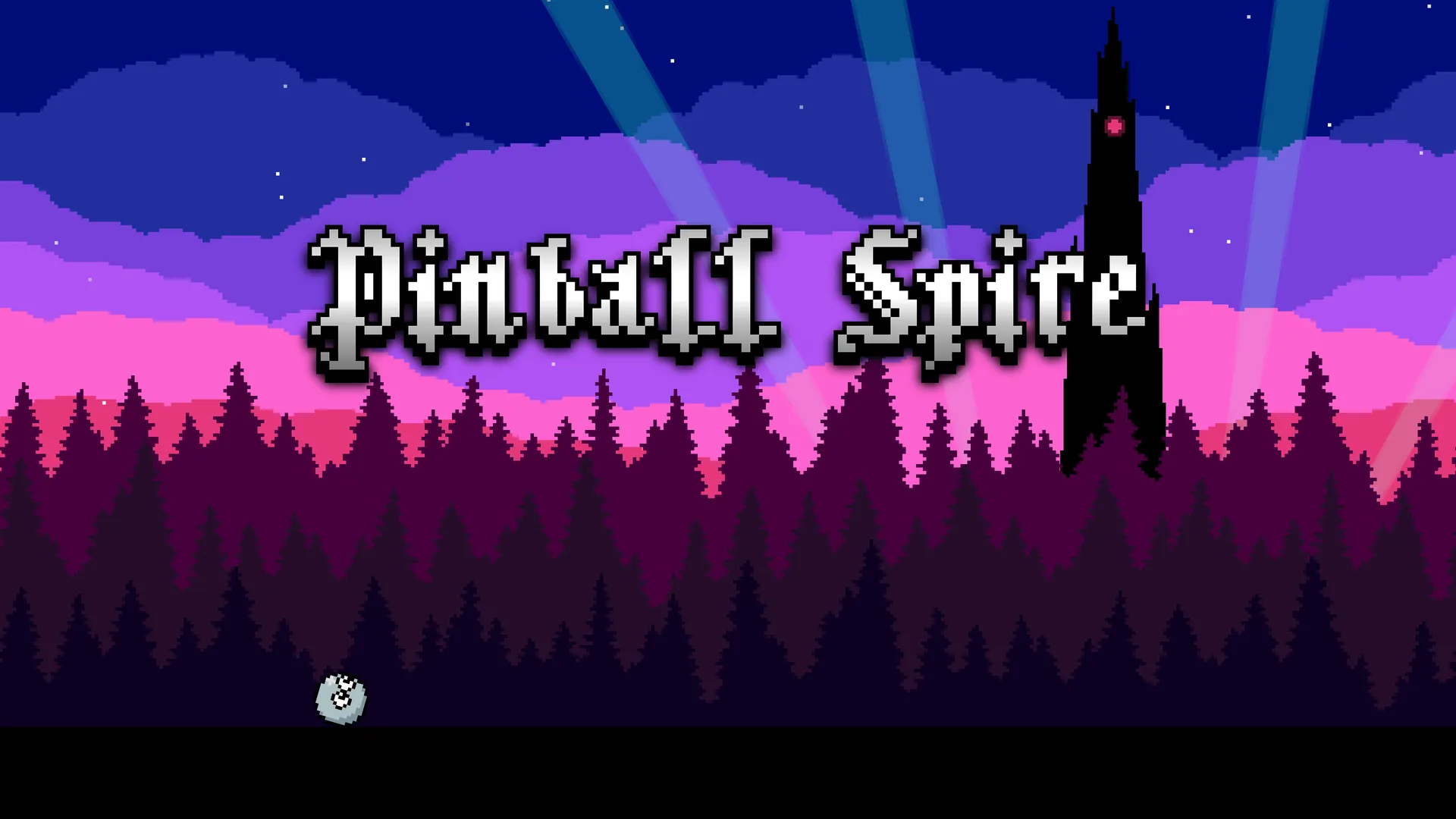
Embark on a unique pinballvania adventure! Bump, spin, and flip to unravel the mysteries of a towering spire in this action-packed quest.
Official store
Trusted. Transparent. Reliable.
Secure payment
Only verified payments methods
To activate a CD key on Steam, follow these steps:
If you encounter any issues during activation, please see this Retail CD Keys article for more info. If problems persist, you may contact Xsolla Customer Support at Xsolla Help Center.
Interface: English, French, Italian, German, Spanish, Japanese, Korean, Polish, Portuguese, Russian and Simplified Chinese
Full Audio: N/A
Subtitles: English, French, Italian, German, Spanish, Japanese, Korean, Polish, Portuguese, Russian and Simplified Chinese
If you have any issues with your purchase, please email us at support@xsolla.com or simply click on the customer support button located on the bottom left of the homepage to start a live chat. In rare cases, it may take up to a few minutes for emails from Xsolla Mall to deliver.