The Supernatural Power Troll
Unleash mayhem as a power-hungry troll who just can’t stop “helping” humans by gifting them chaotic powers!

Unleash mayhem as a power-hungry troll who just can’t stop “helping” humans by gifting them chaotic powers!
About the game
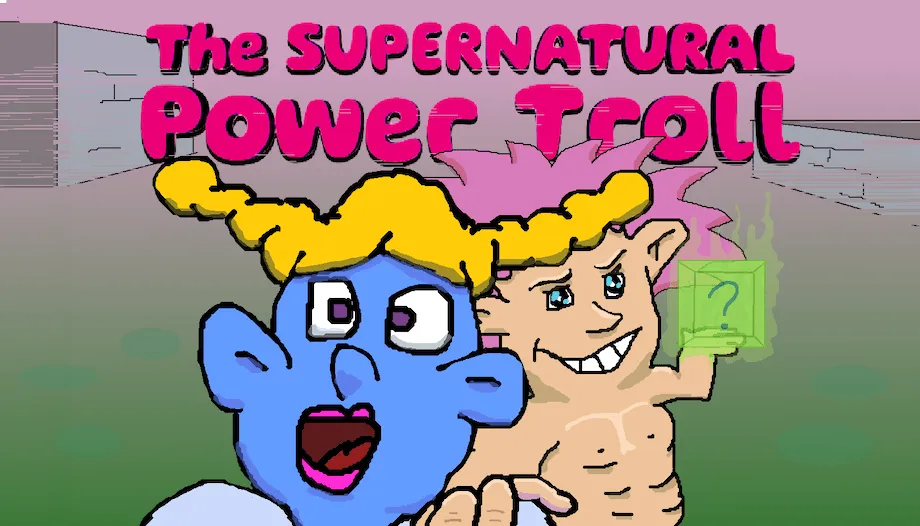
Step into the shoes of a mischievous Power Troll, gifting humans with powers they’re definitely not ready for! Watch the chaos unfold as each NPC reacts in bizarre and unpredictable ways. Each encounter is a new disaster waiting to happen,how much chaos can one troll create.
Official store
Trusted. Transparent. Reliable.
Secure payment
Only verified payments methods
To activate a CD key on Steam, follow these steps:
If you encounter any issues during activation, please see this Retail CD Keys article for more info. If problems persist, you may contact Xsolla Customer Support at Xsolla Help Center.
Interface: English
Full Audio: English
Subtitles: English
If you have any issues with your purchase, please email us at support@xsolla.com or simply click on the customer support button located on the bottom left of the homepage to start a live chat. In rare cases, it may take up to a few minutes for emails from Xsolla Mall to deliver.