CONSCRIPT
Jordan Mochi

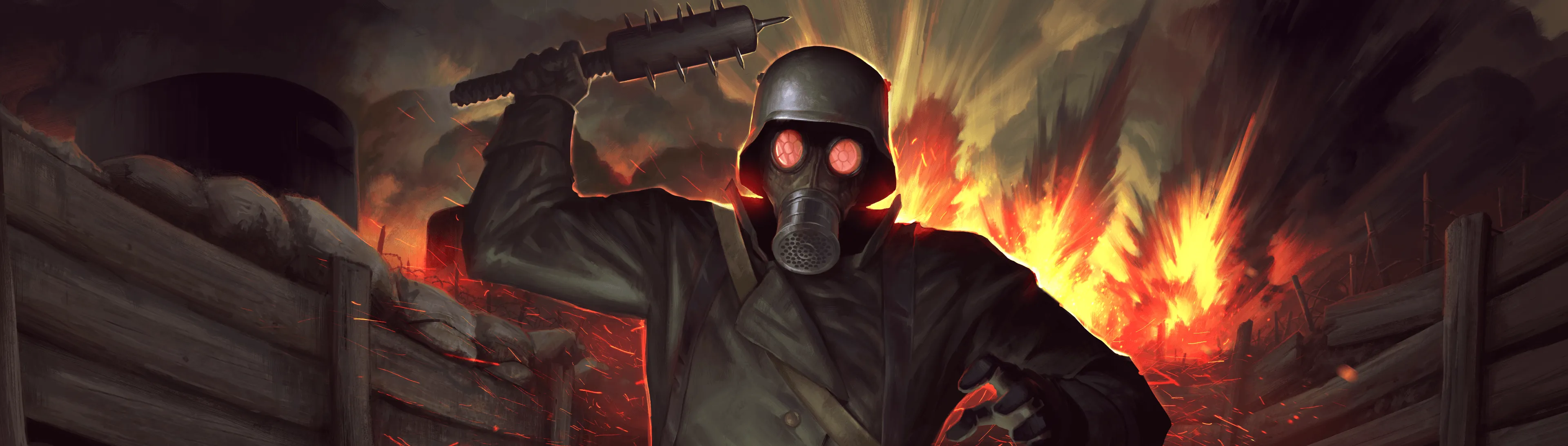
CONSCRIPT
Jordan Mochi
Available on

Bawkbasoup is a full-time streamer from Prince Edward Island, Canada, who specializes in horror games but plays various genres. Prior to streaming, he was a professional chef with his own catering company. He has been gaming since childhood, holds numerous Speedrun World Records, and has achieved high ranks in games like League of Legends and World of Warcraft.

Basic edition
Pre-order CONSCRIPT and add the Golden Gun and the golden inventory bag style to your arsenal with the Golden Gun Pack.

Base game
Deluxe edition
Battle through the trenches with 3 additional uniforms to choose from in the Trench Raider Pack, containing:
• Elite Trench Raider
• Pilot
• English Tommy
Base game
Trench Raider Pack
Officer Edition
The offer includes everything from the Deluxe Edition, plus a Digital Soundtrack for enhanced immersion.
Base game
Trench Raider Pack
Digital Soundtrack
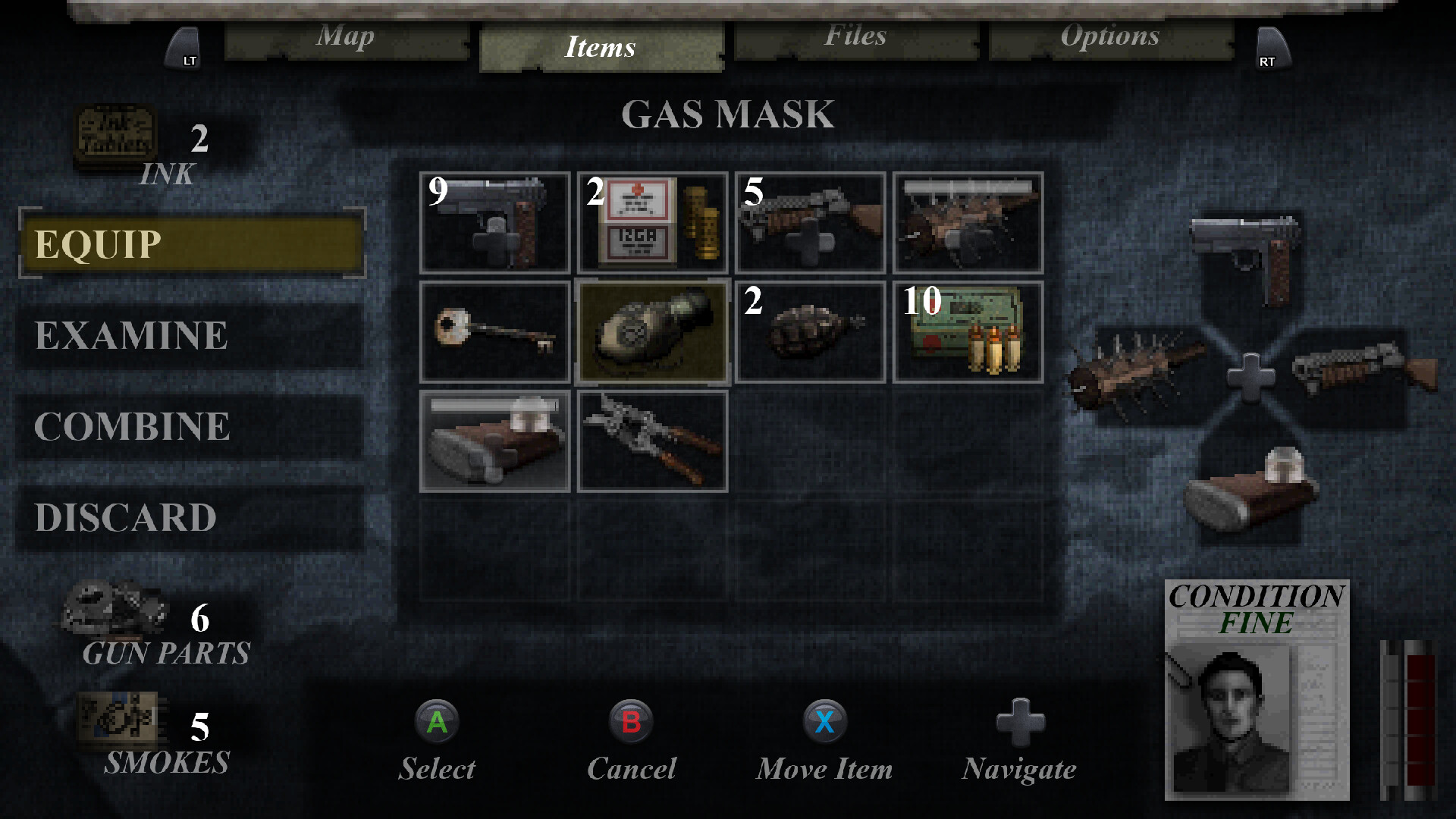
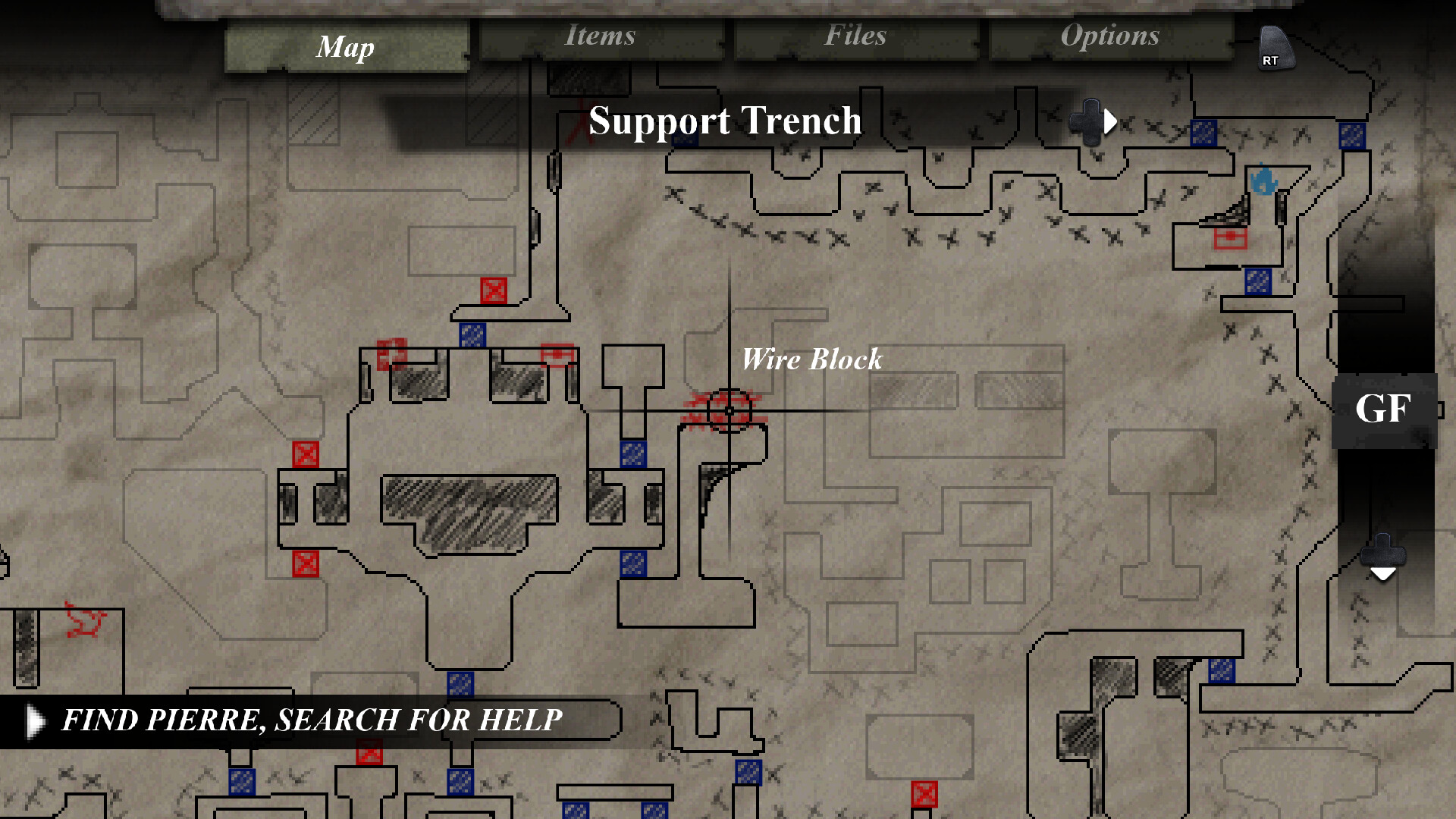
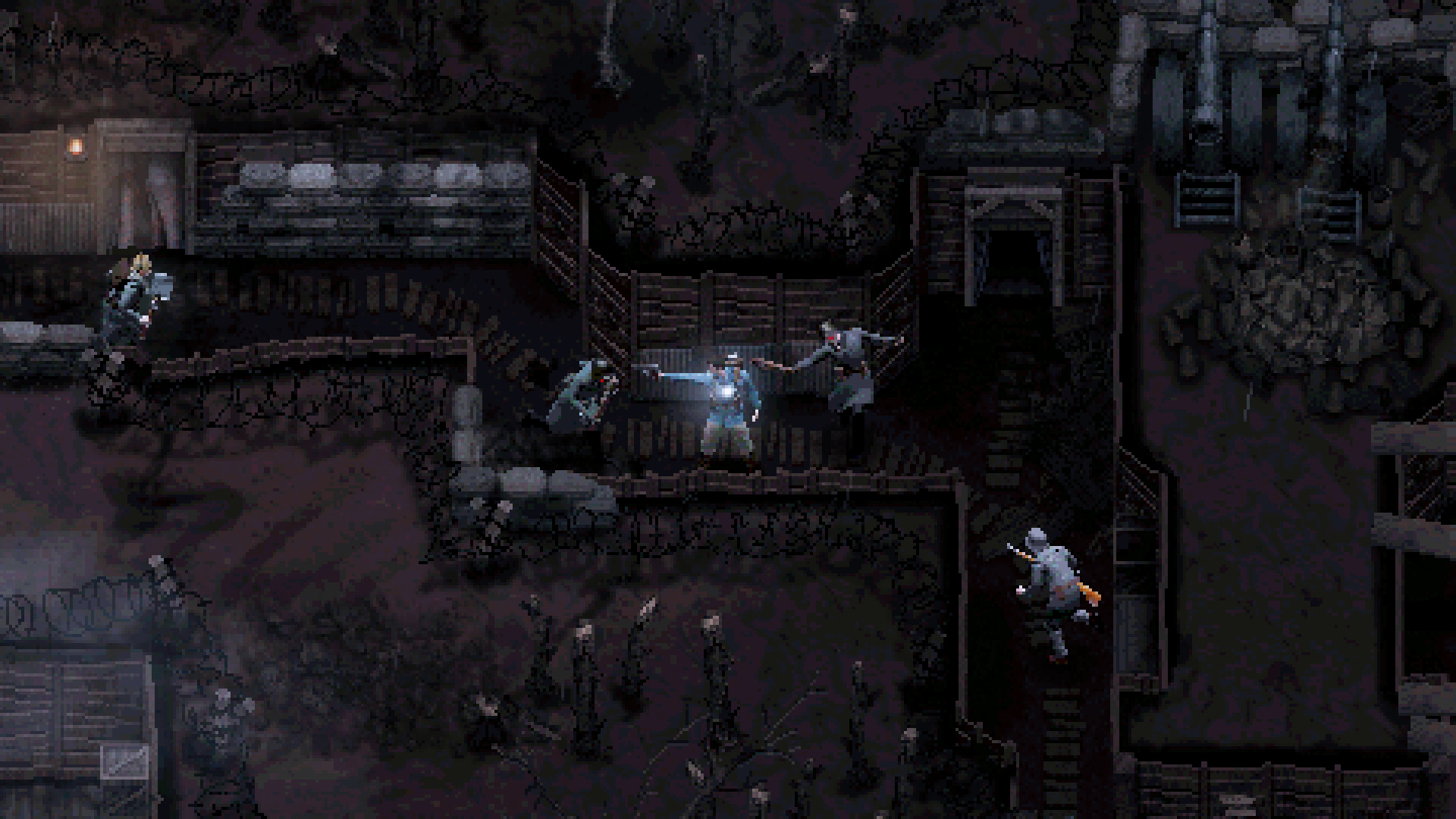
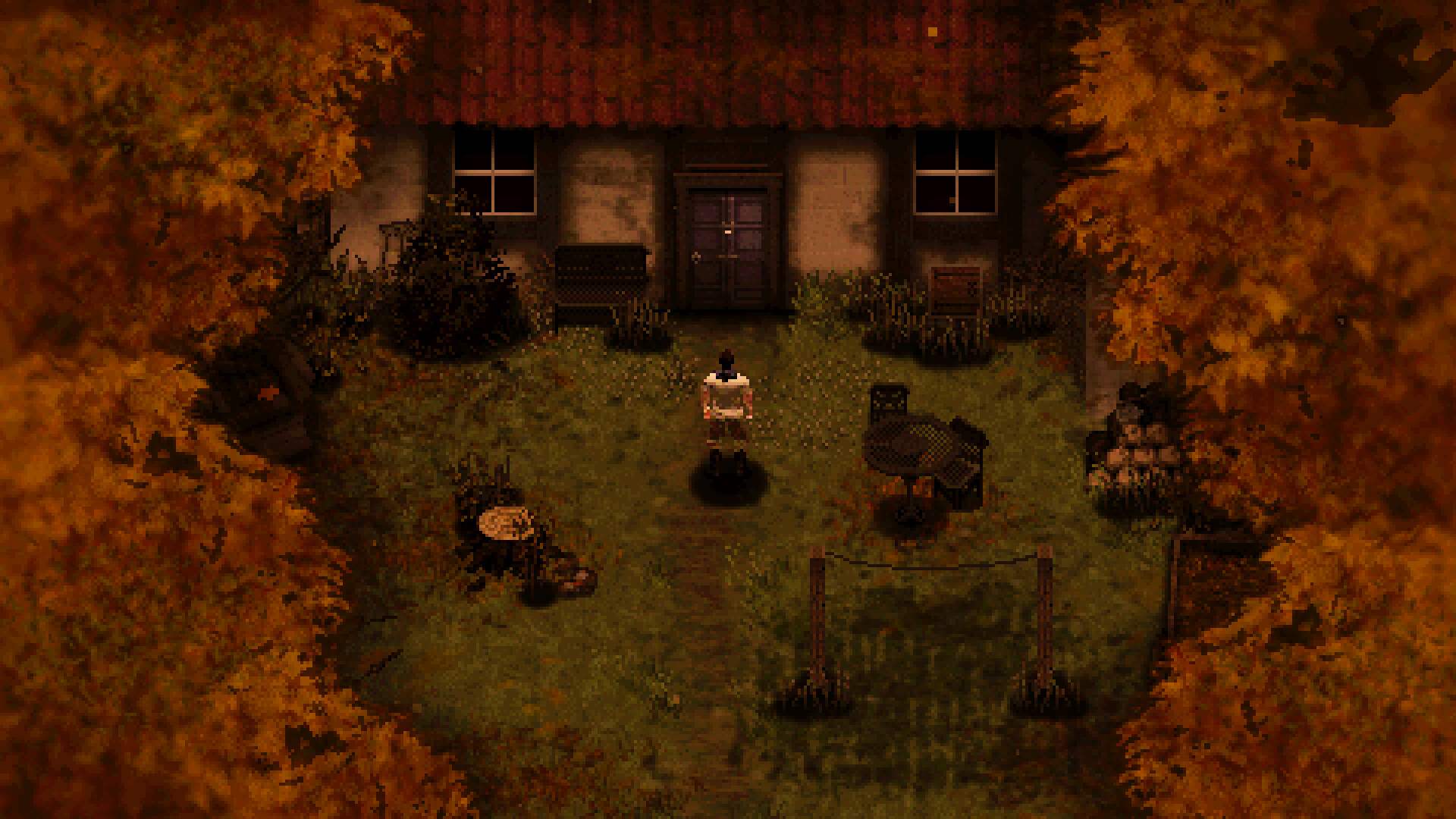
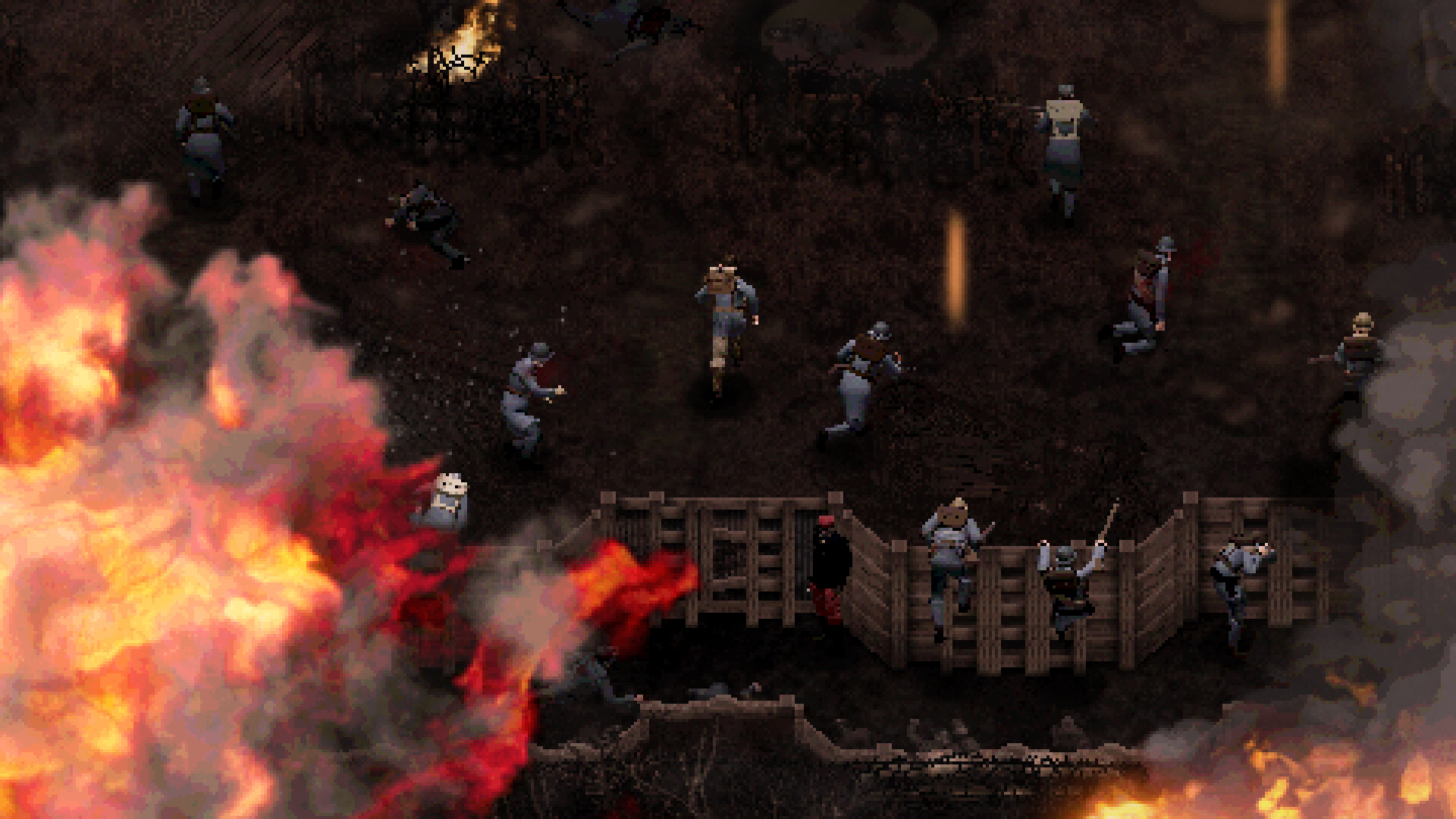
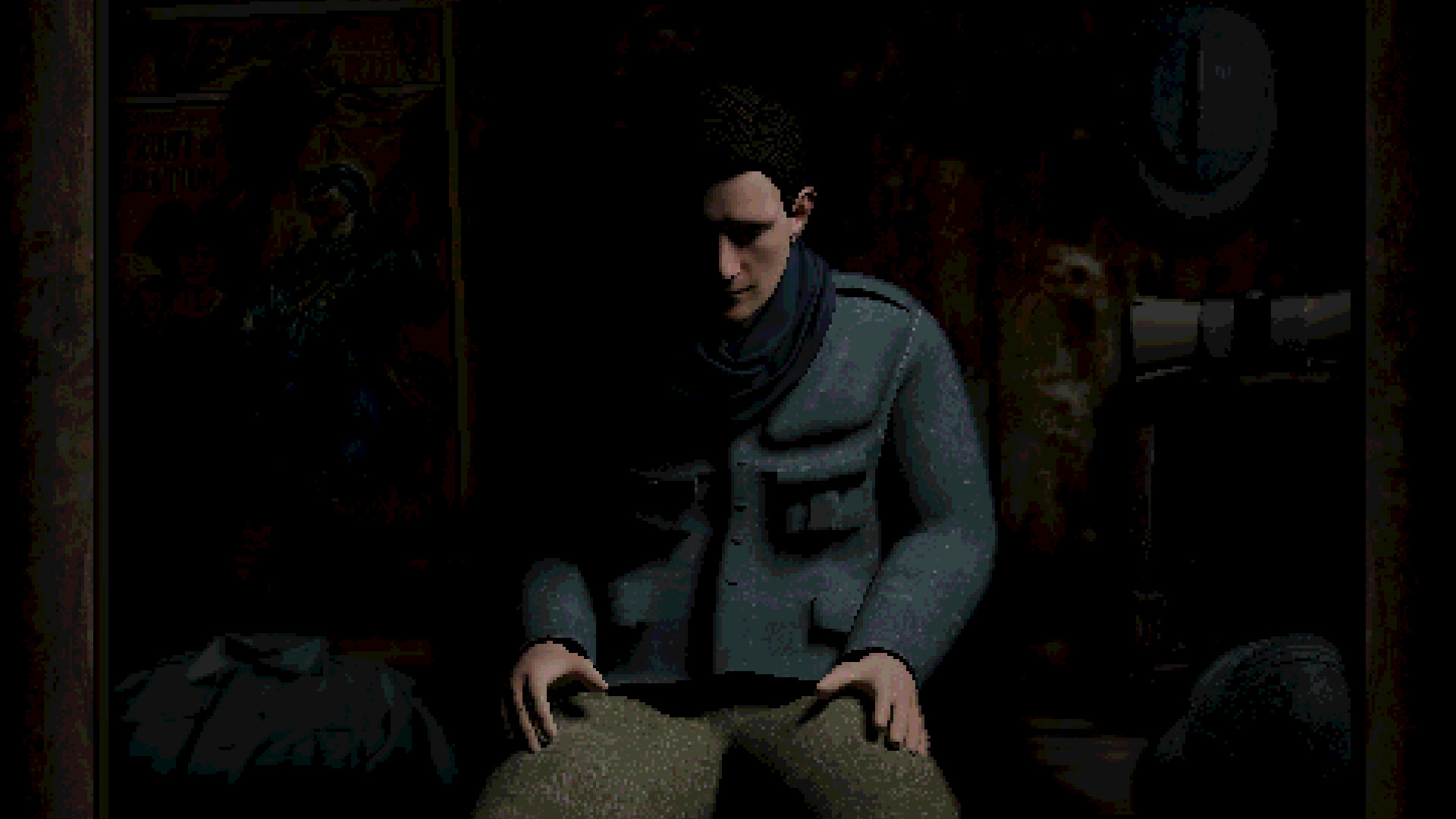
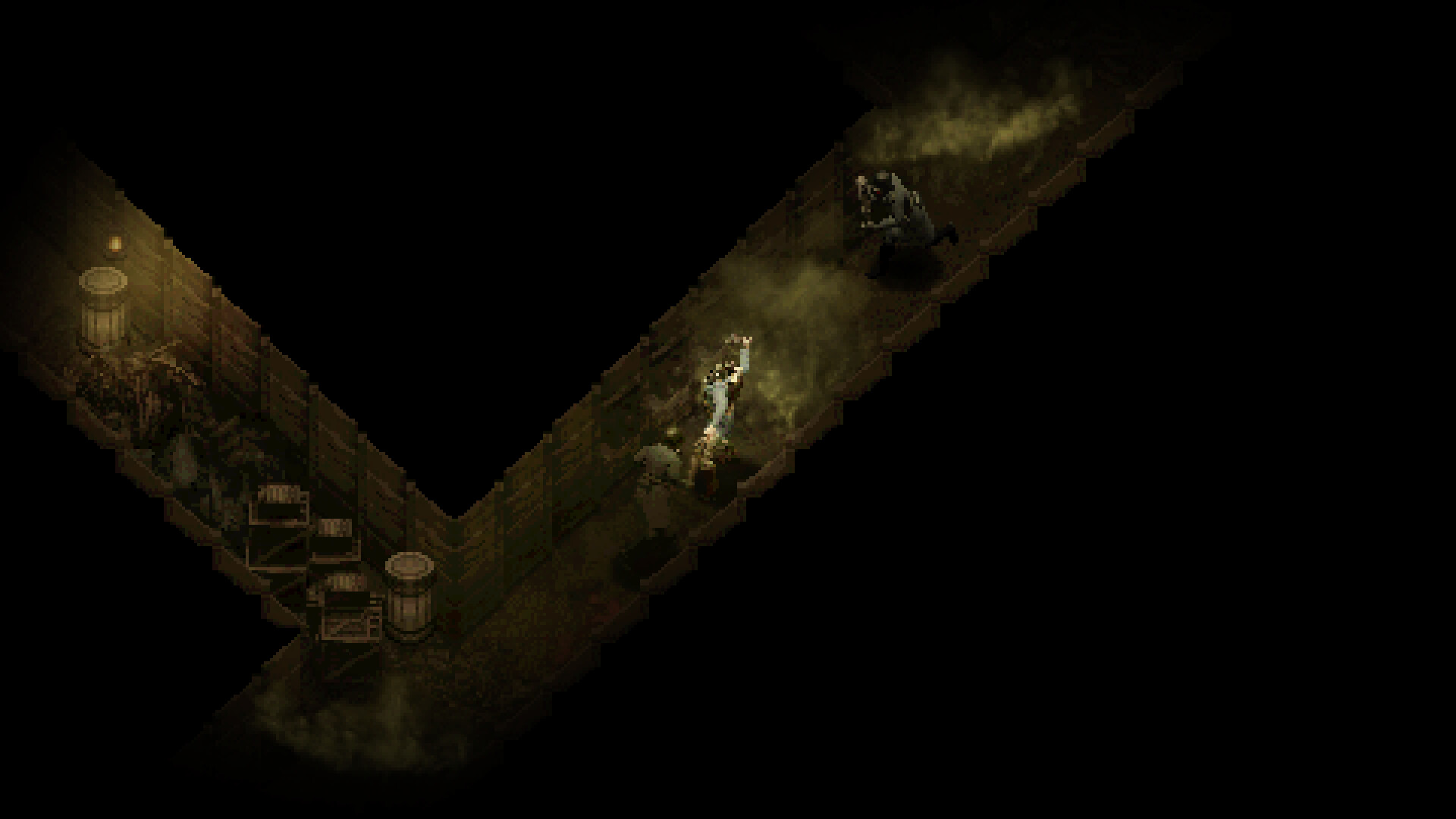
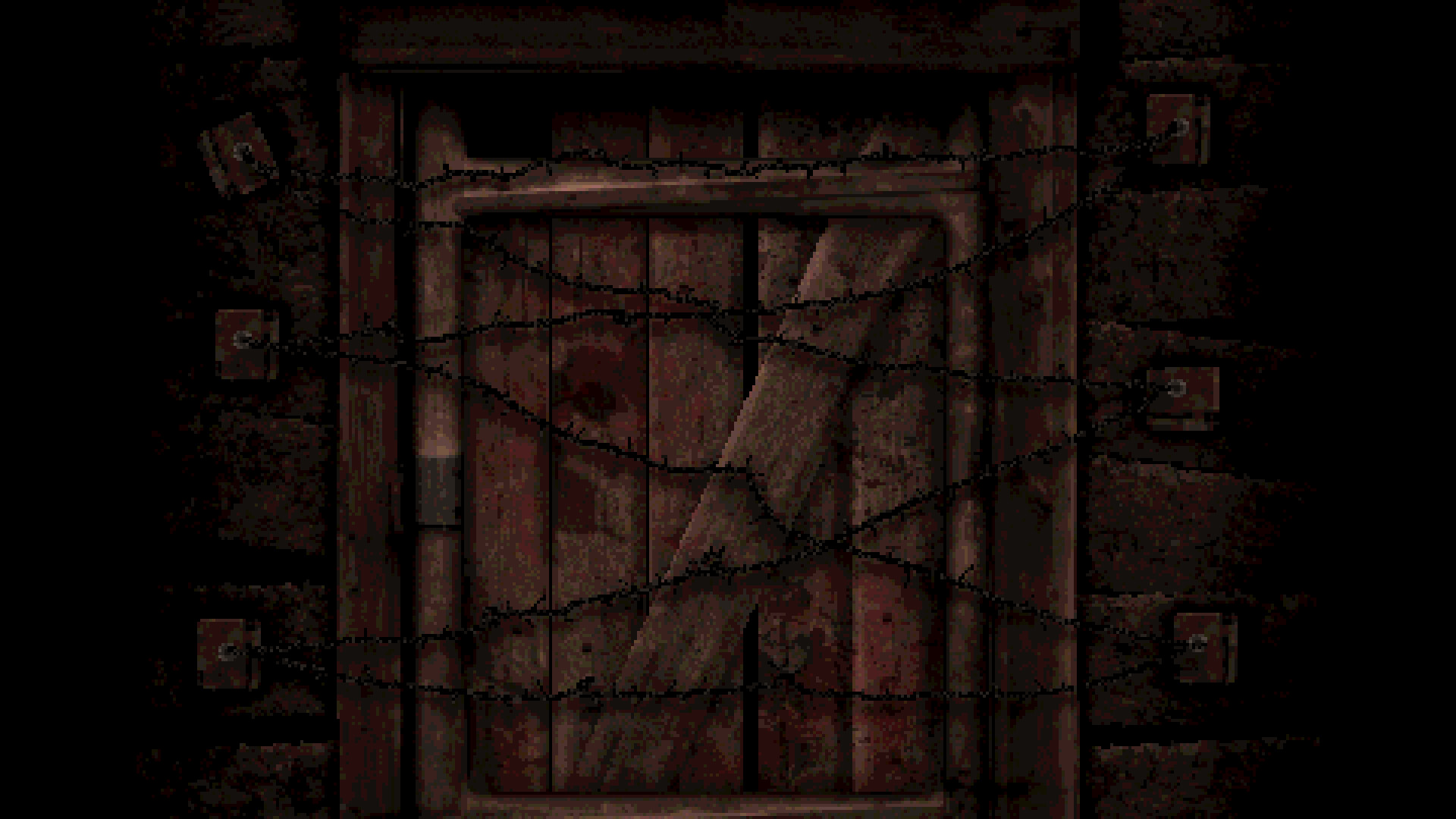
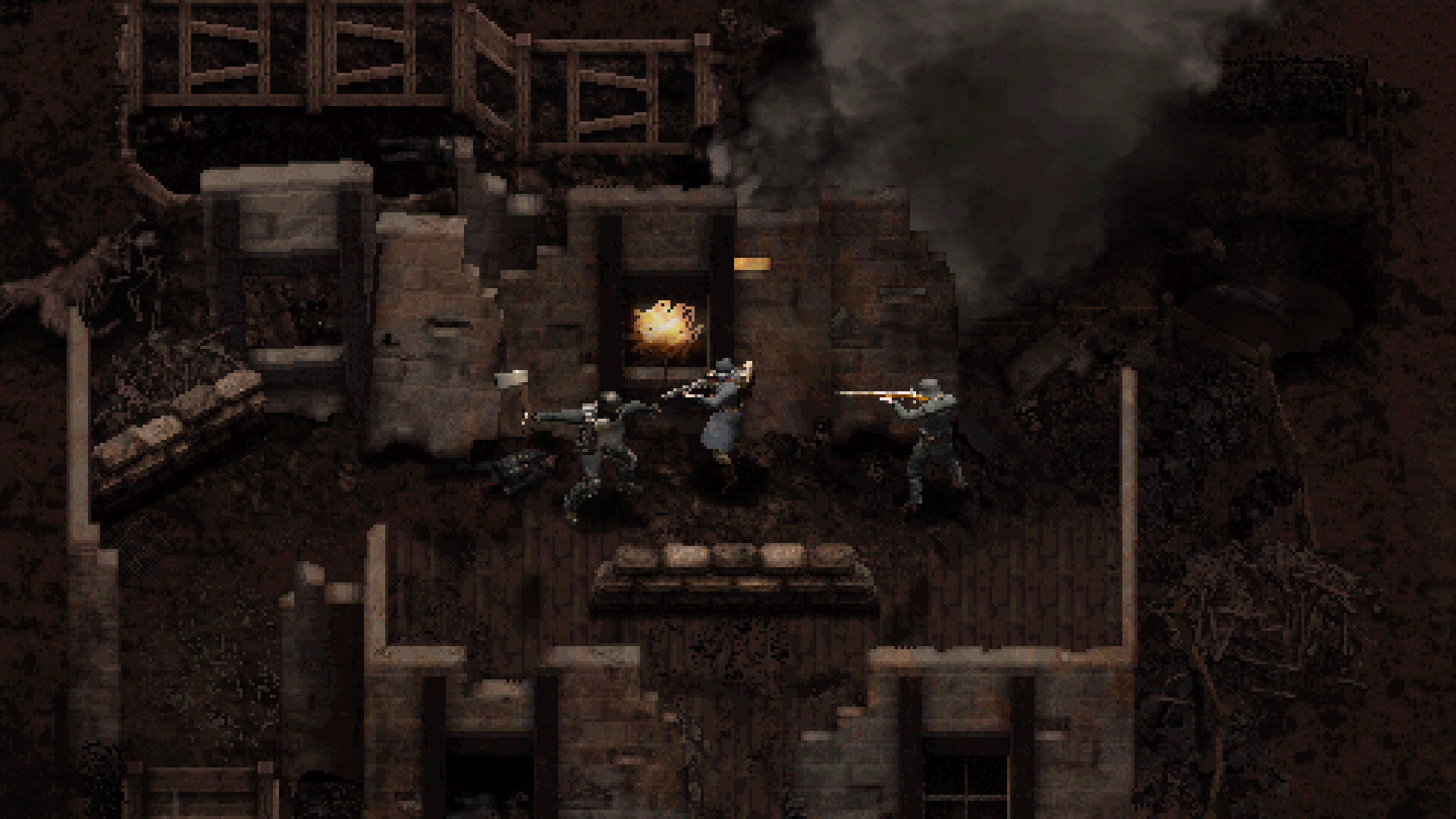
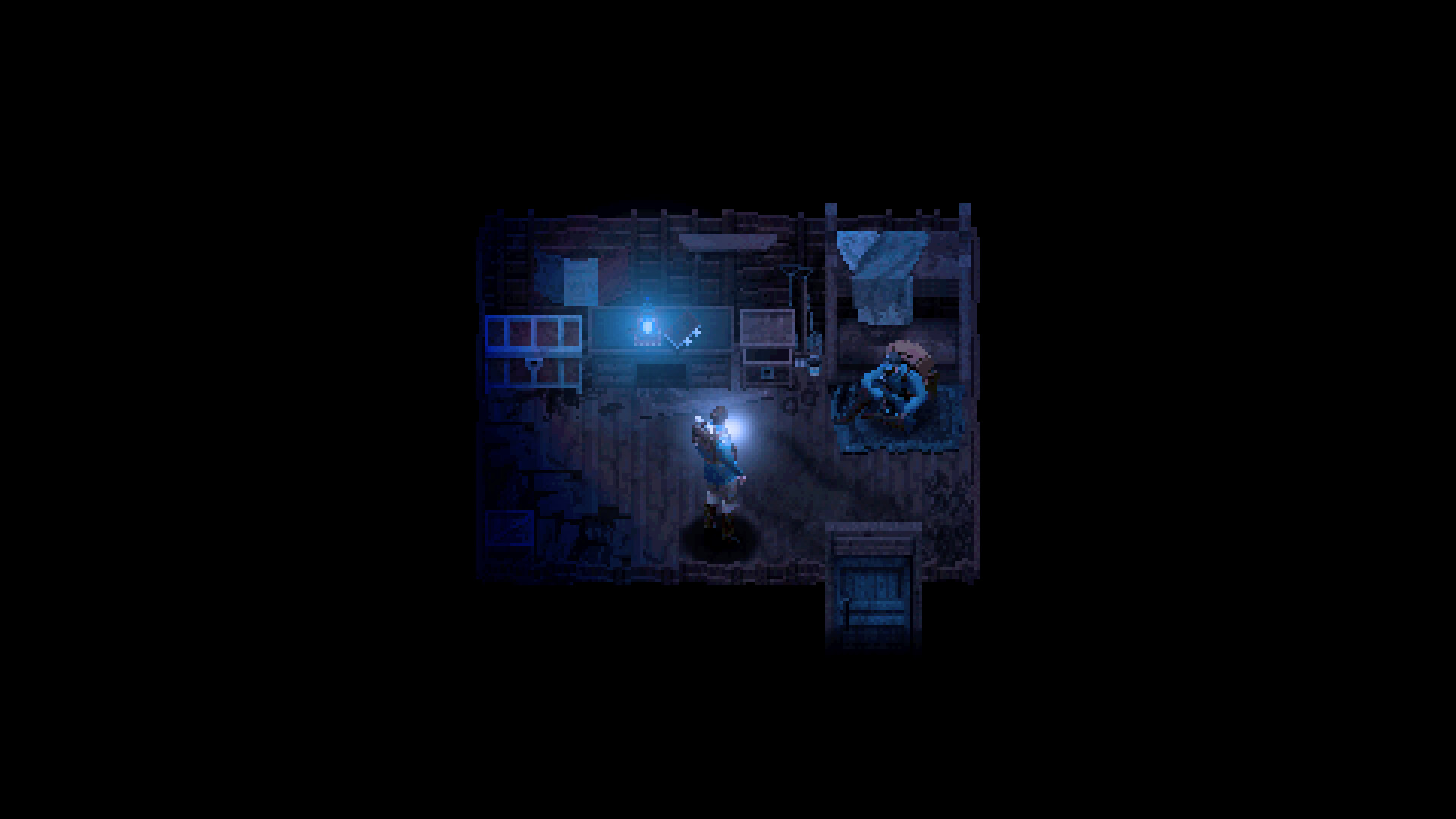
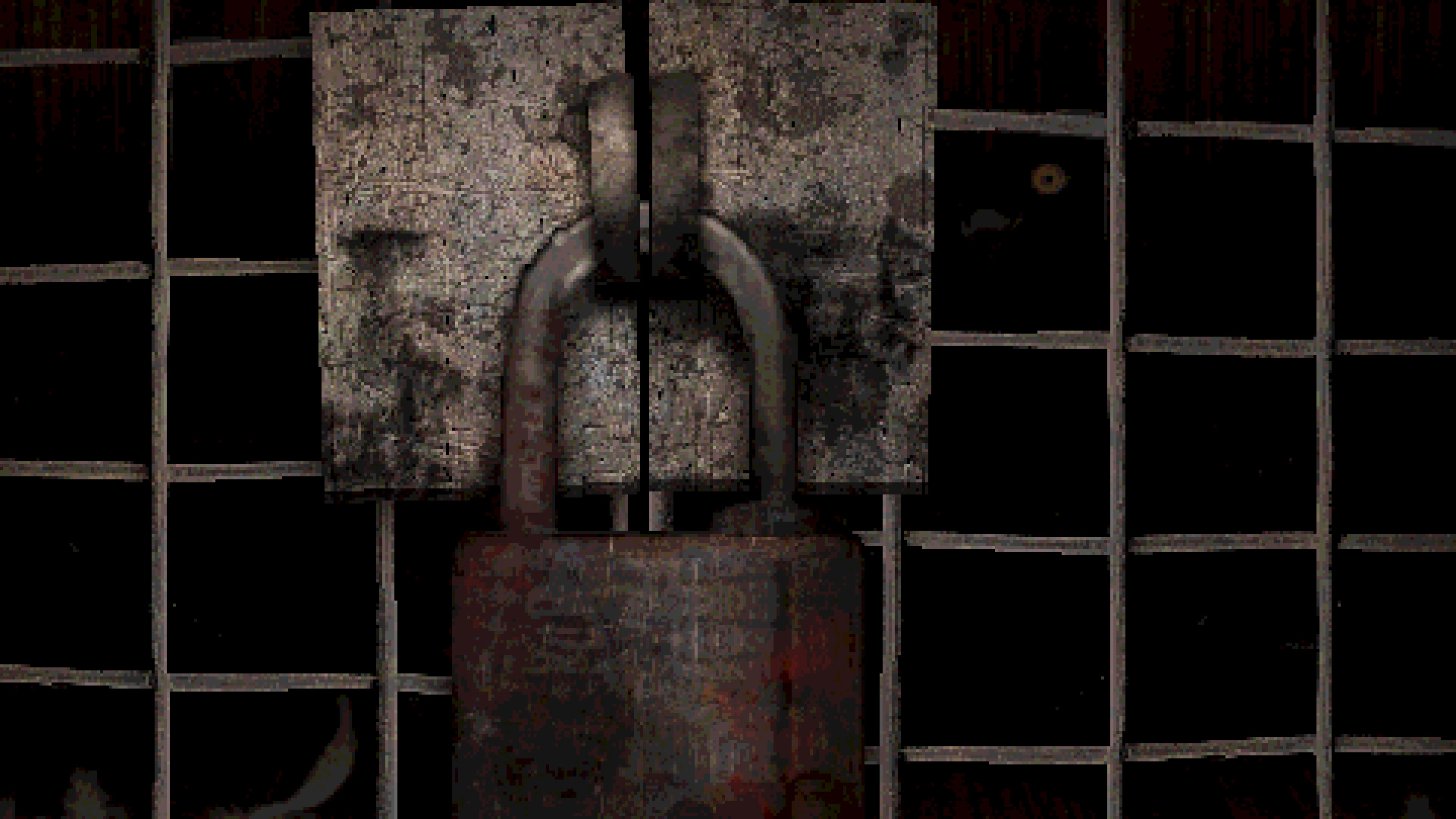
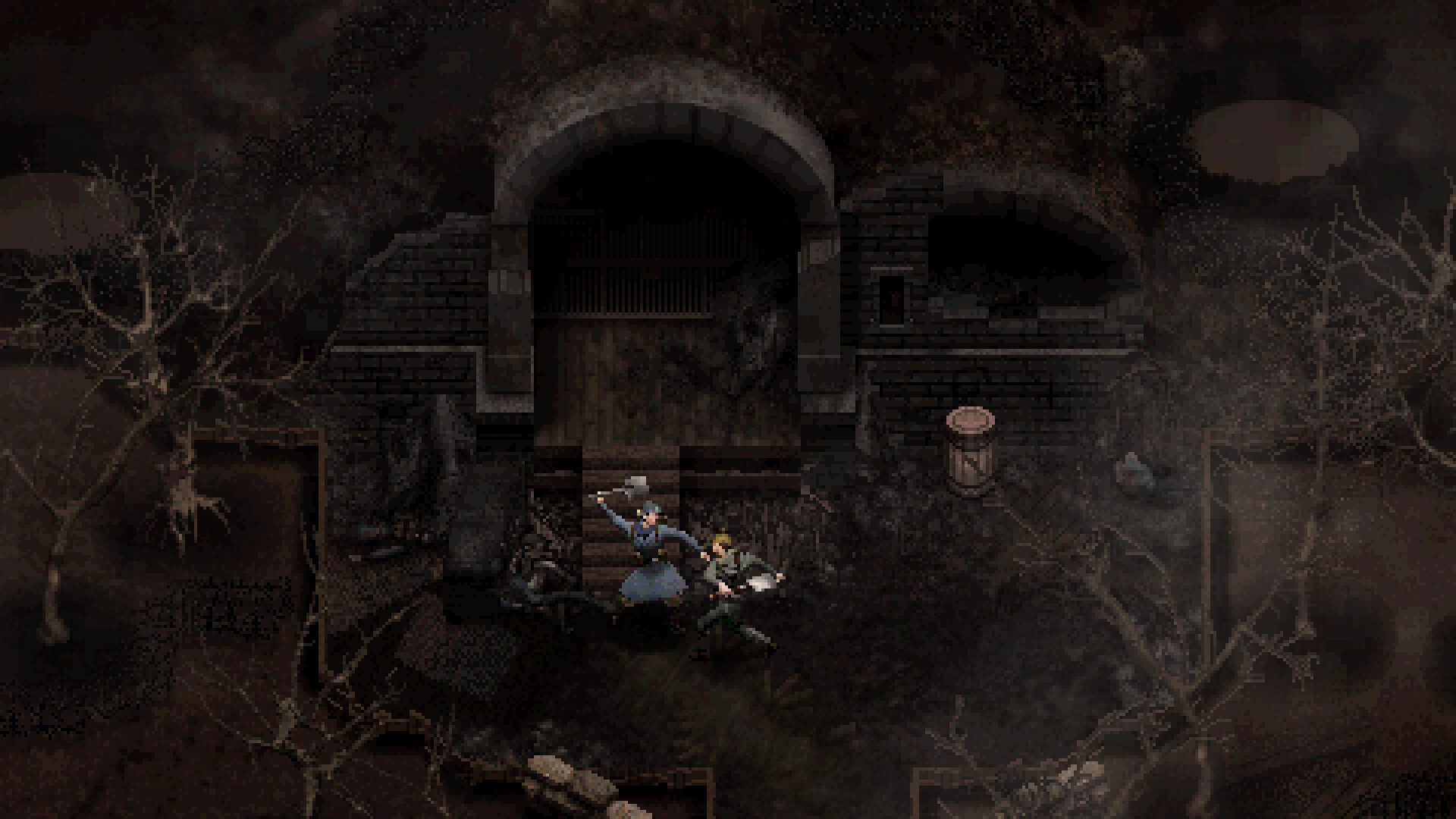
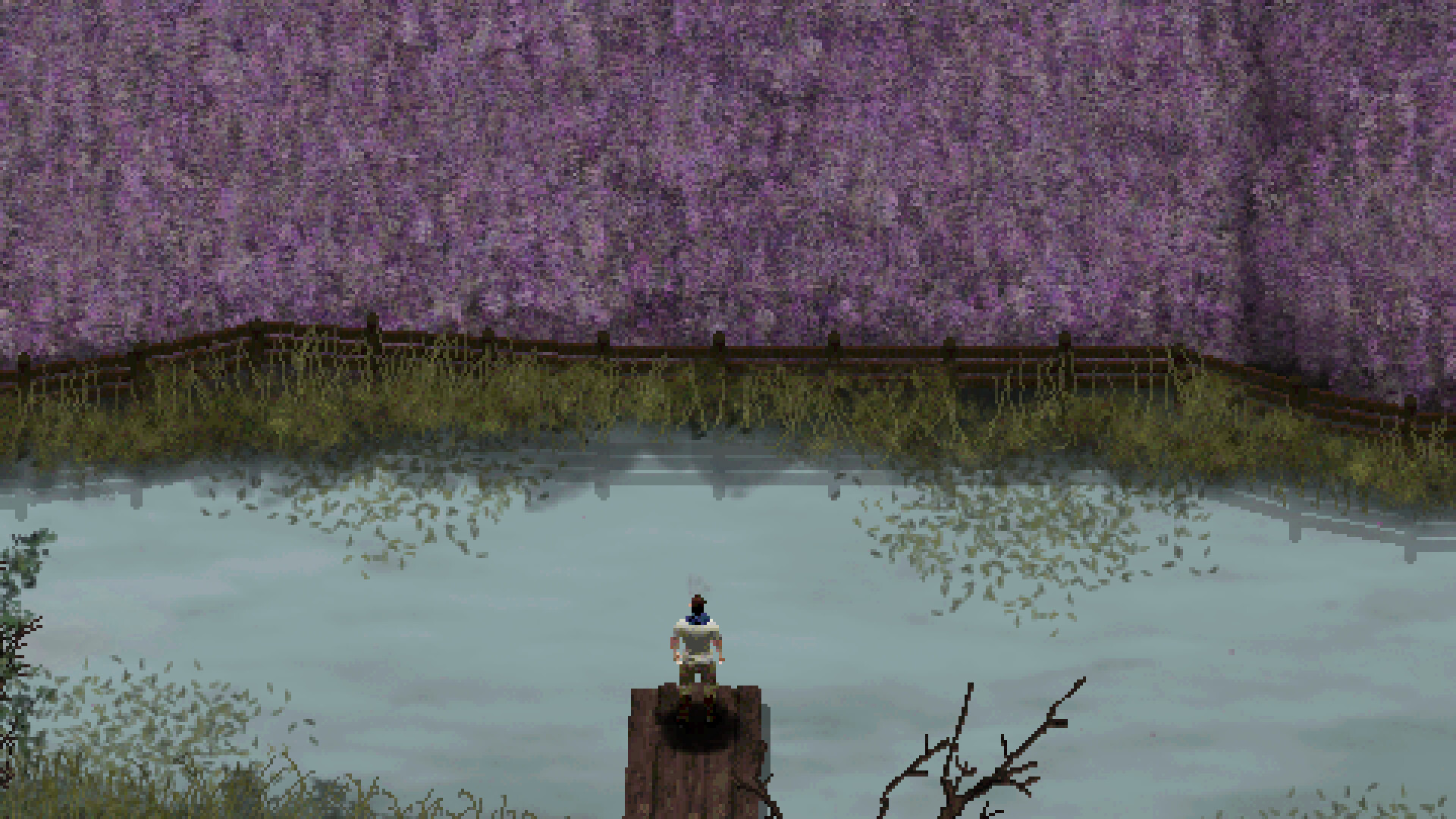
CONSCRIPT is a top-down survival horror game inspired by classics of the genre - set in 1916 during the Great War. CONSCRIPT will blend all the punishing mechanics of older horror games into a cohesive, tense, and unique experience.
In CONSCRIPT, you play as a French soldier searching for his missing-in-action brother during the Battle of Verdun. Will you be able to search twisted trenches, navigate overrun forts, and cross no-mans-land to find him, and ensure a home goes unbroken?

Upcoming Jul 23, 2024
Pre-order CONSCRIPT and add the Golden Gun and the golden inventory bag style to your arsenal with the Golden Gun Pack.
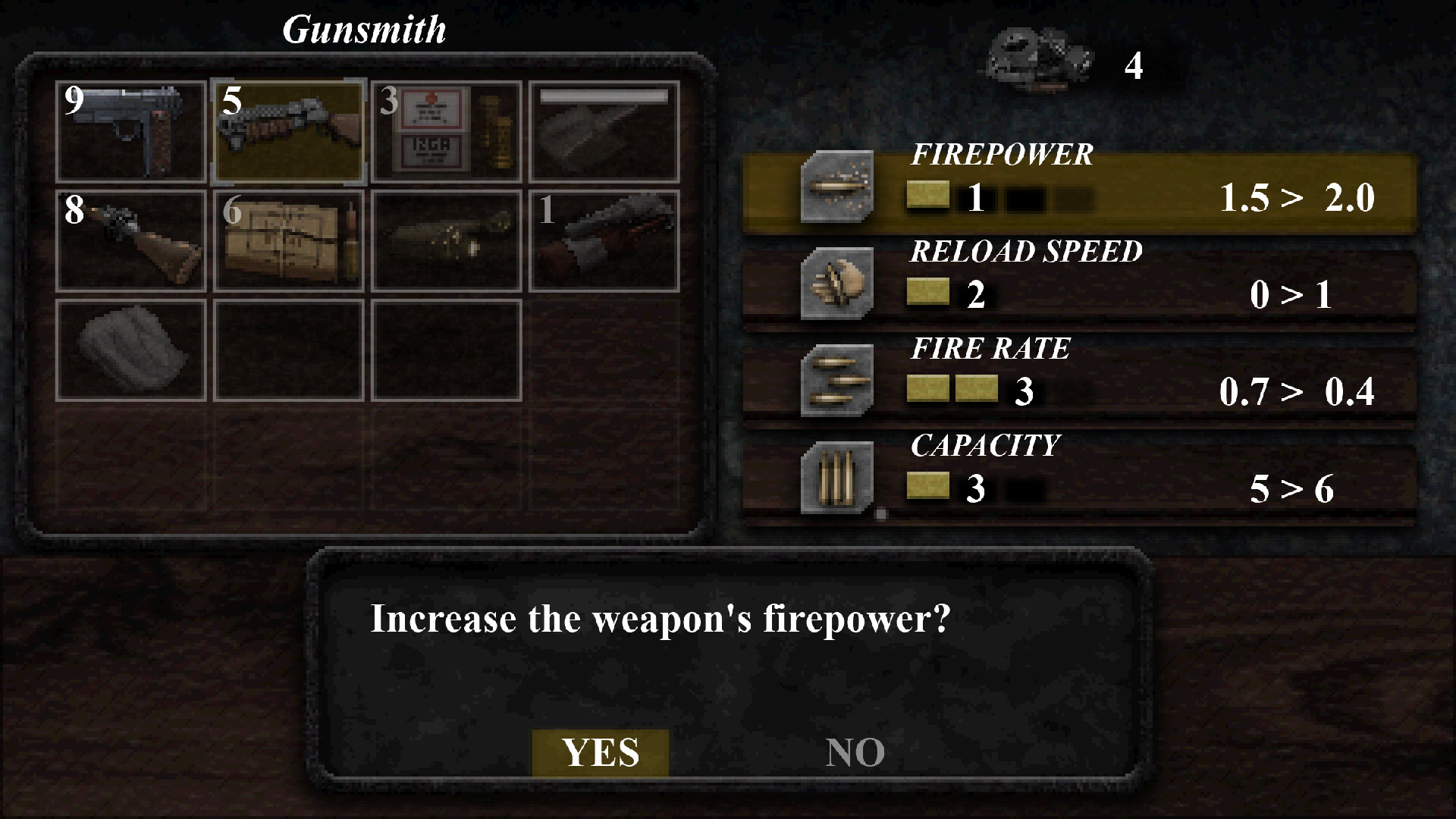
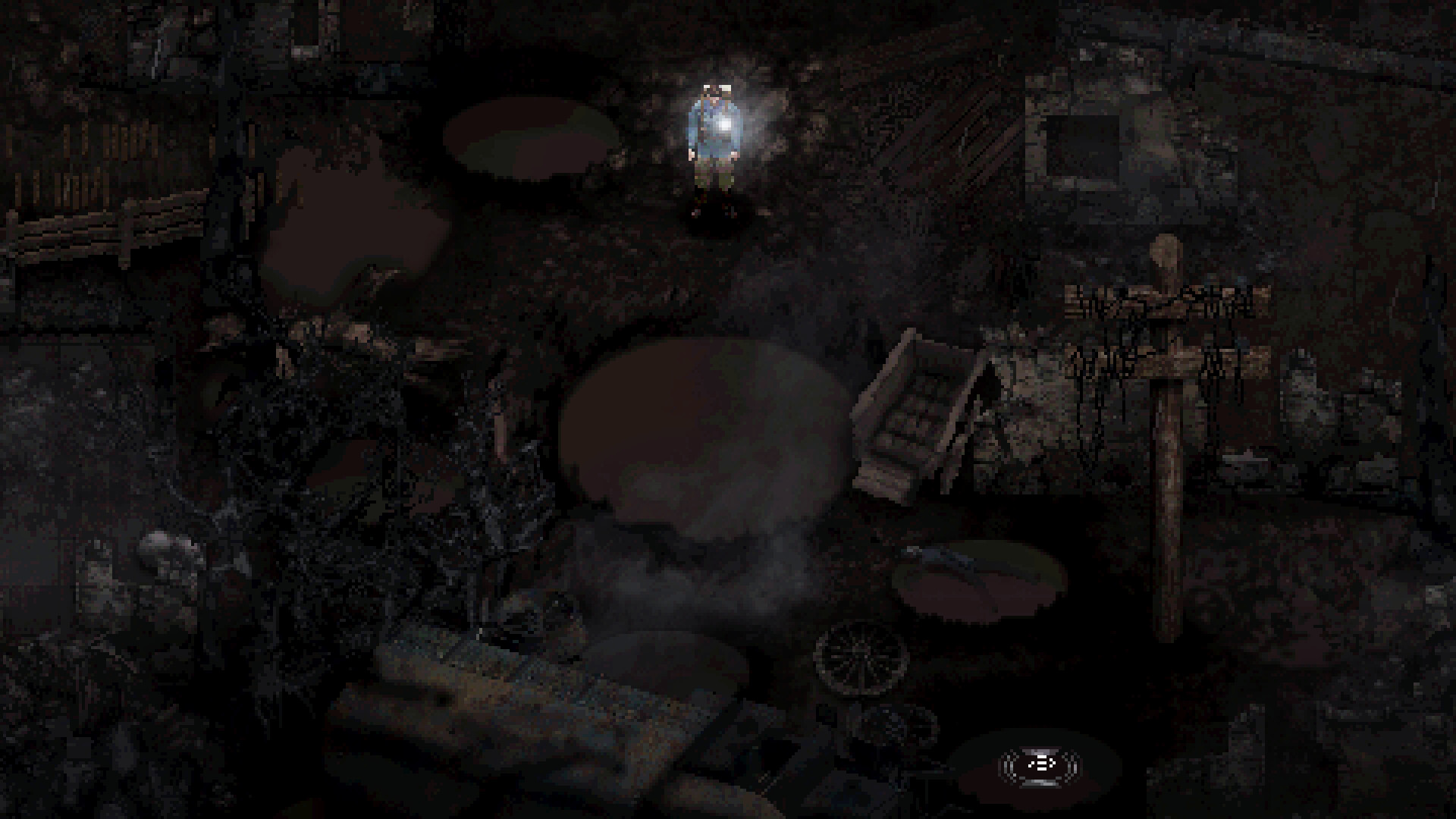
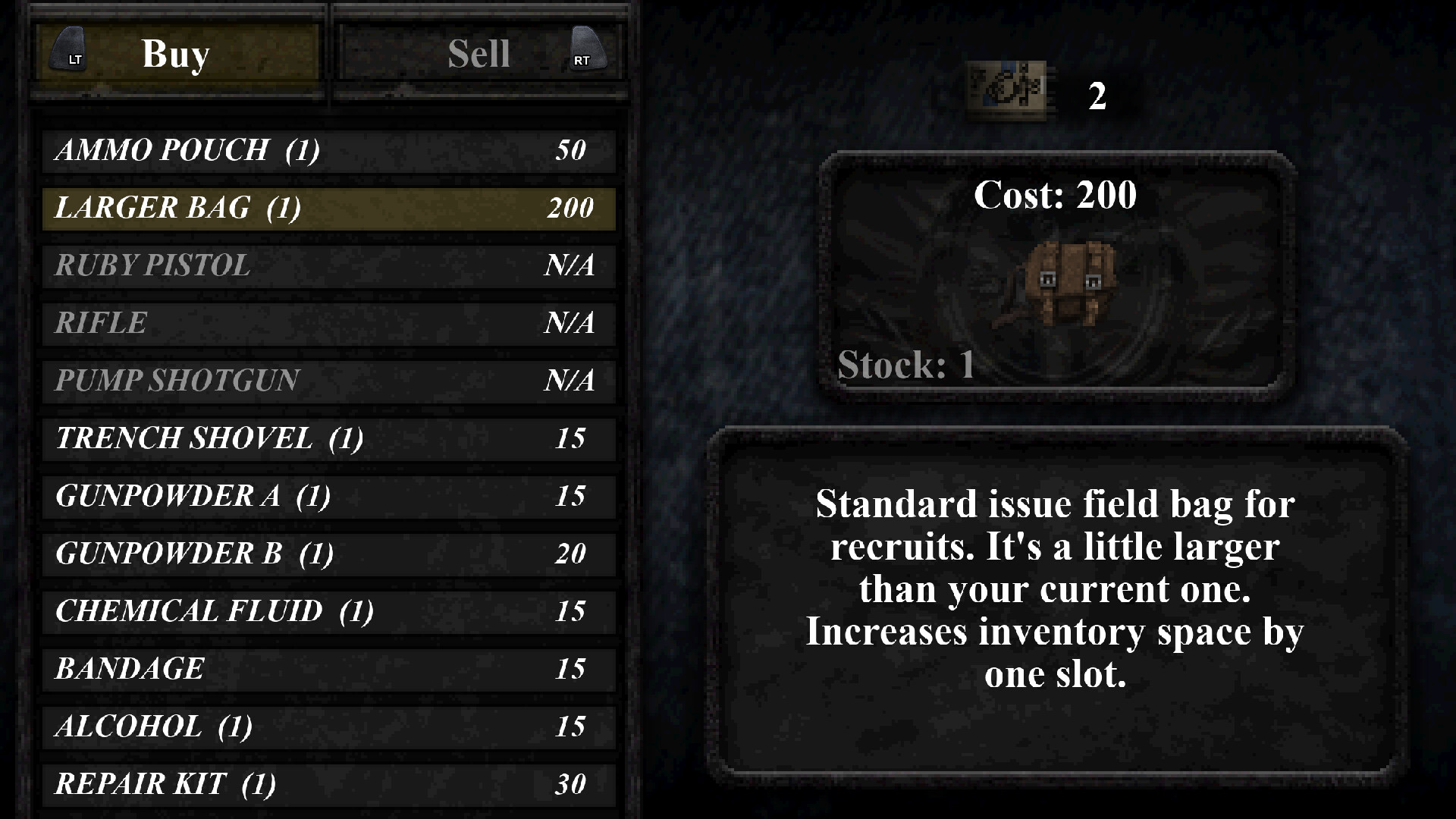
You can purchase games at lower prices and get some special offers on this official store.
The store is provided by our partner Xsolla. Xsolla is PCI DSS Level 1 which refers to the highest level of compliance with the Payment Card Industry Data Security Standard. So, all payments made via this store are completely secure.
You can find your purchased game key in the email provided during the checkout.
When your payment is successful, the game key will be sent to your email. It usually takes less than 5 minutes. If you purchased a pre-order, the key will be emailed to you when the game is released.
First, check both your Inbox and Spam folders in your email. If you still can't find the game key, contact Xsolla Customer Support for assistance.
The store currently accepts payments via most popular credit/debit card brands and e-wallets. You can view all available payment options on the payment page.
You can find your purchase receipt in the email provided during the checkout.
This game version supports the following languages:
Interface: English, French, German, Spanish - Spain, Japanese, Polish, Portuguese - Brazil, Russian, Simplified Chinese, Spanish - Latin America, Traditional Chinese, Turkish
Subtitles: English, French, German, Spanish - Spain, Japanese, Polish, Portuguese - Brazil, Russian, Simplified Chinese, Spanish - Latin America, Traditional Chinese, Turkish
Please follow these instructions to activate your game key on Steam:
- Launch the Steam client software and log into your Steam account.
- Click the Games menu option at the top of the Steam client.
- Choose Activate a Product on Steam...
- Follow the onscreen instructions to complete the process.