
Beat the Heat
Face the climate. Balance your ecosystem. Your choices will echo for decades.

Face the climate. Balance your ecosystem. Your choices will echo for decades.
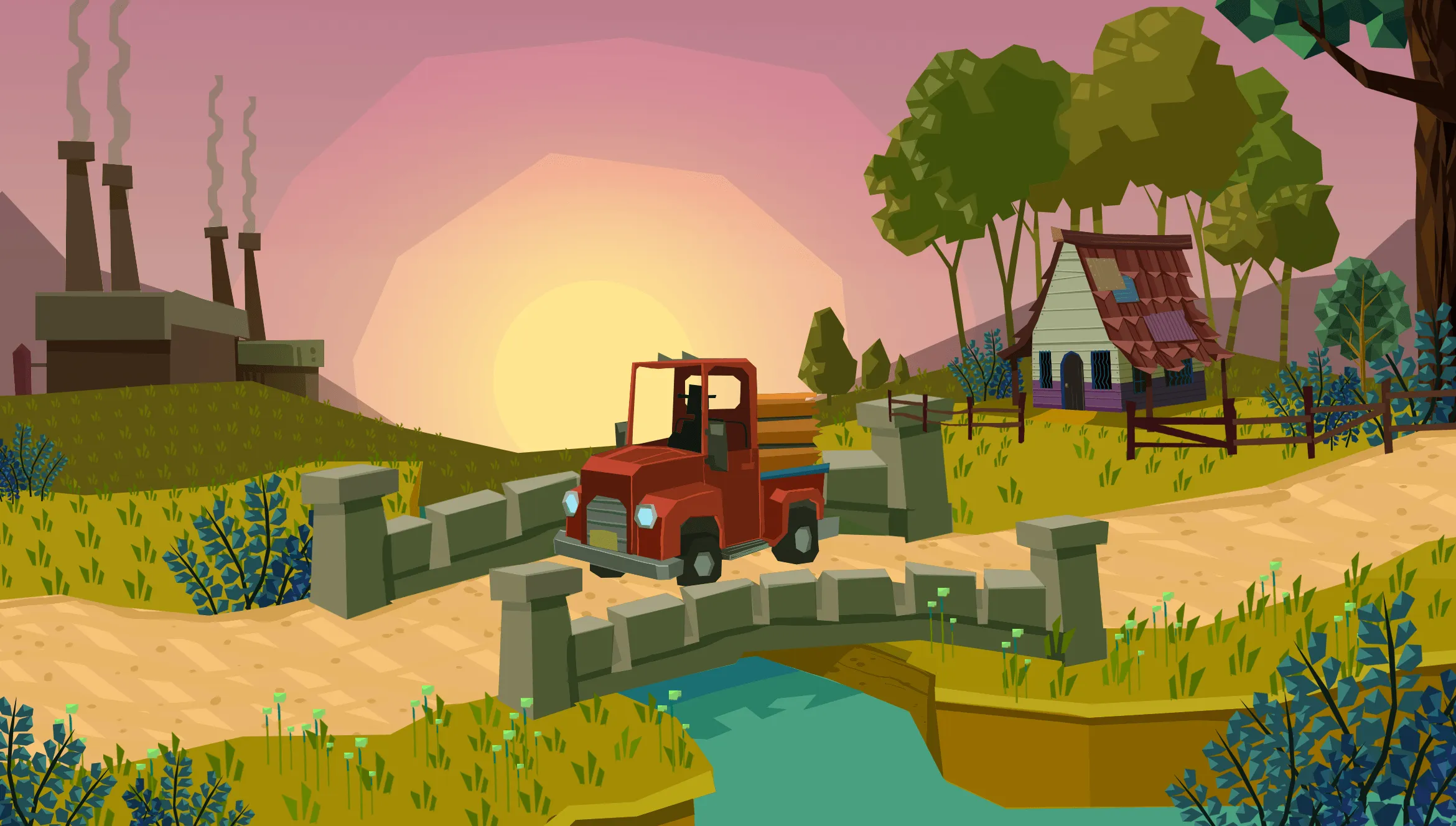
About the game
Manage a living ecosystem built from hex‑based tiles. Explore, collect, prevent, and adapt each turn as your decisions ripple across different interconnected biomes. Keeping the whole system in balance is the key to survival.
Official store
Trusted. Transparent. Reliable.
Secure payment
Only verified payments methods
To install and activate the game using the launcher, follow these steps:
i. Click the "Download Launcher" button on this page to download the installer.
ii. Once the download is complete, open the installer file.
iii. Follow the on-screen instructions to install the launcher on your computer.
iv. Launch the application after installation.
v. Inside the launcher, click on "Redeem Key".
vi. Enter your activation key and confirm.
vii. Once the game is added to your library, start the download.
viii. After the installation is complete, click Play to start the game.
If you encounter any issues during the process, please contact Xsolla Customer Support through the Xsolla Help Center.
Interface: English, Spanish - Latin America, Spanish - Spain
Full Audio: Spanish - Latin America, Spanish - Spain
Subtitles: Spanish - Latin America, Spanish - Spain
If you have any issues with your purchase, please email us at support@xsolla.com or simply click on the customer support button located on the bottom left of the homepage to start a live chat. In rare cases, it may take up to a few minutes for emails from Xsolla Mall to deliver.