GREAT TOY SHOWDOWN
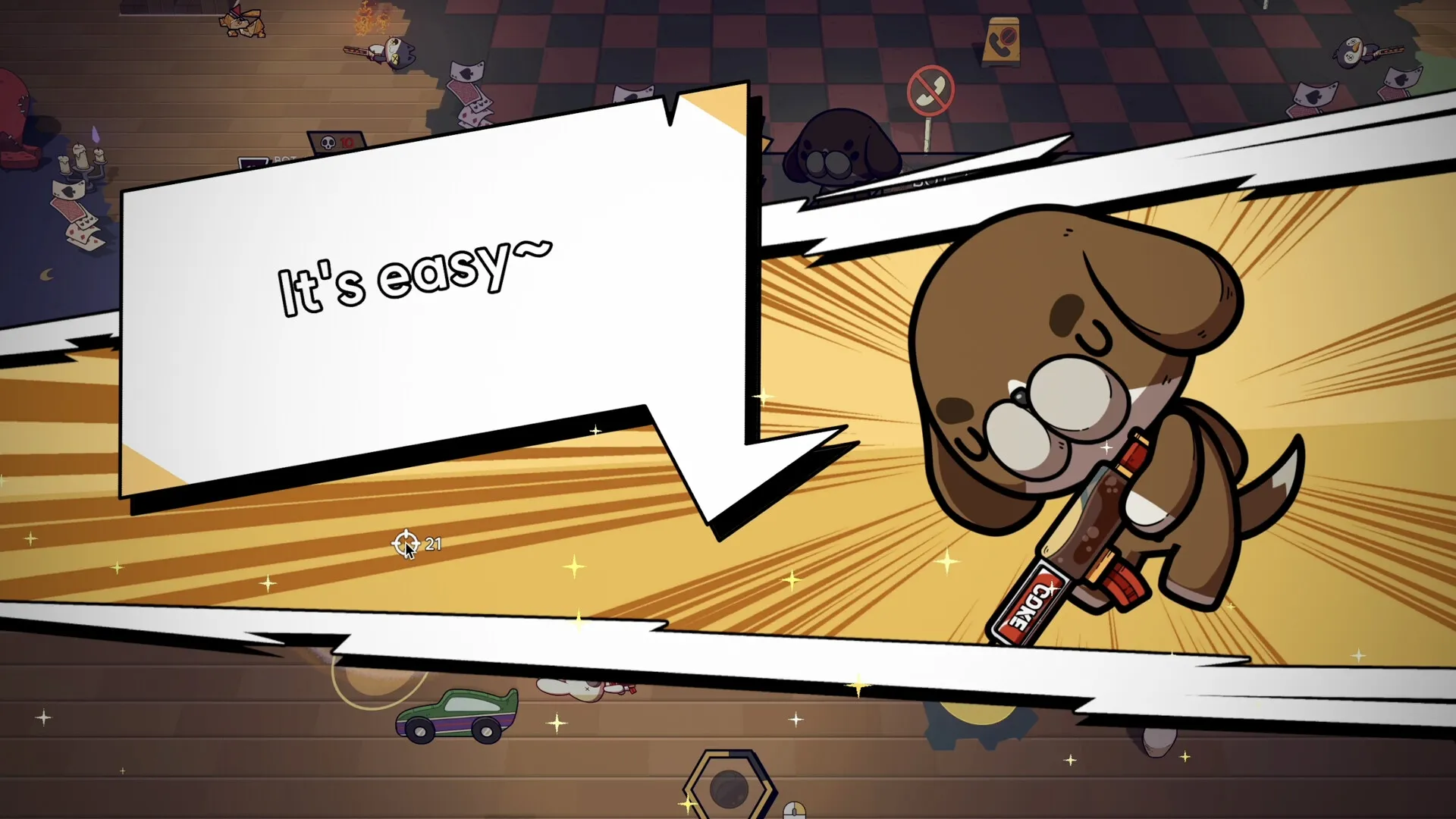
Battle as animal toys and fight to be the last one standing!

Battle as animal toys and fight to be the last one standing!
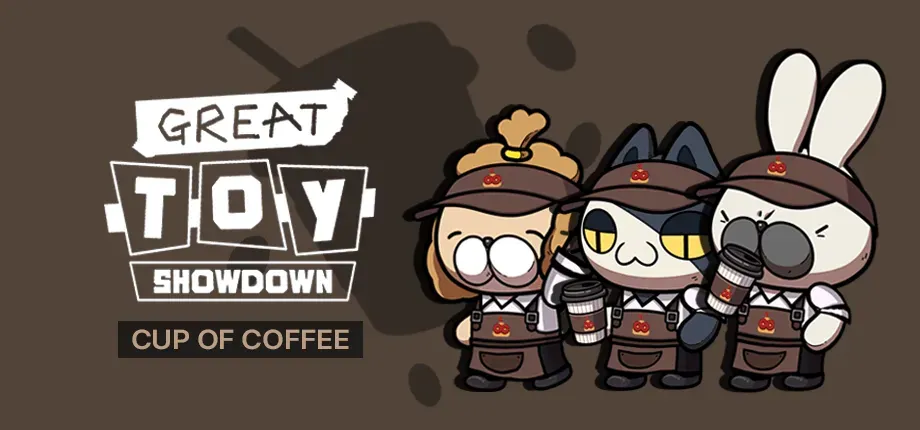
☕️ For the price of a cup of coffee, you can give your adorable toys a fresh look with unique skins that add even more personality to the battlefield!
By grabbing this affordable pack—for the price of a coffee—you’re not only supporting future game development to keep things fresh and exciting but also unlocking a special skin that lets your toys stand out in style!

Barista Costume ☕️
Coffee-Drinking Emote - Watch out, don’t drink too much!
A heartfelt thank you from the dev team <3
About the game
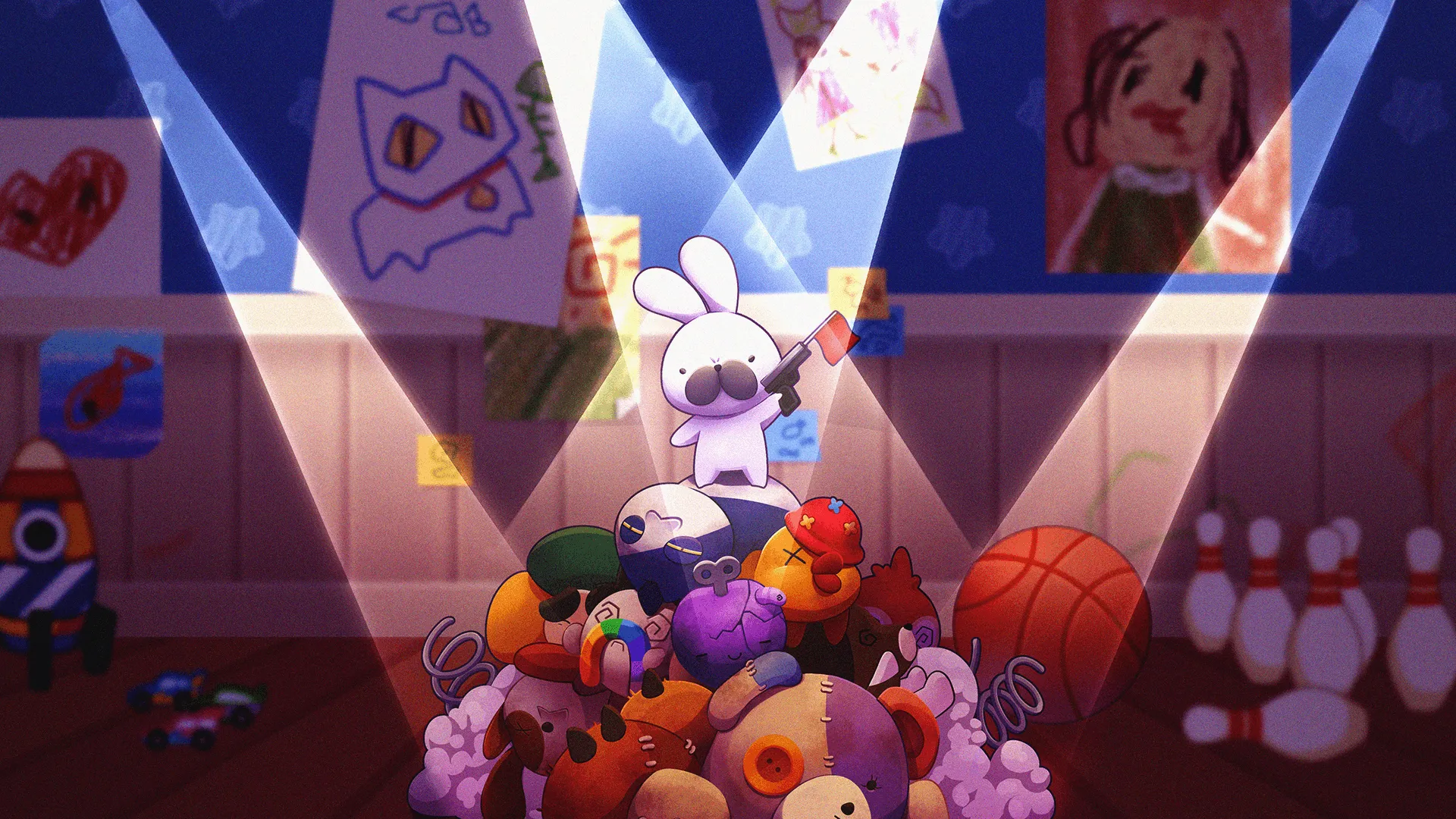
Join fast-paced team battles with unique animal toys! Strategize, explore, and fight to be the last toy standing in the fluffiest royale!
Official store
Trusted. Transparent. Reliable.
Secure payment
Only verified payments methods
To activate a CD key on Steam, follow these steps:
If you encounter any issues during activation, please see this Retail CD Keys article for more info. If problems persist, you may contact Xsolla Customer Support at Xsolla Help Center.
Interface: English, Simplified Chinese, Traditional Chinese, Korean and Japanese
Full Audio: N/A
Subtitles: English, Simplified Chinese, Traditional Chinese, Korean and Japanese
If you have any issues with your purchase, please email us at support@xsolla.com or simply click on the customer support button located on the bottom left of the homepage to start a live chat. In rare cases, it may take up to a few minutes for emails from Xsolla Mall to deliver.