Monster House Racing
[PC/VR] Race through the shadows, conquer the haunted tracks!

[PC/VR] Race through the shadows, conquer the haunted tracks!
About the game
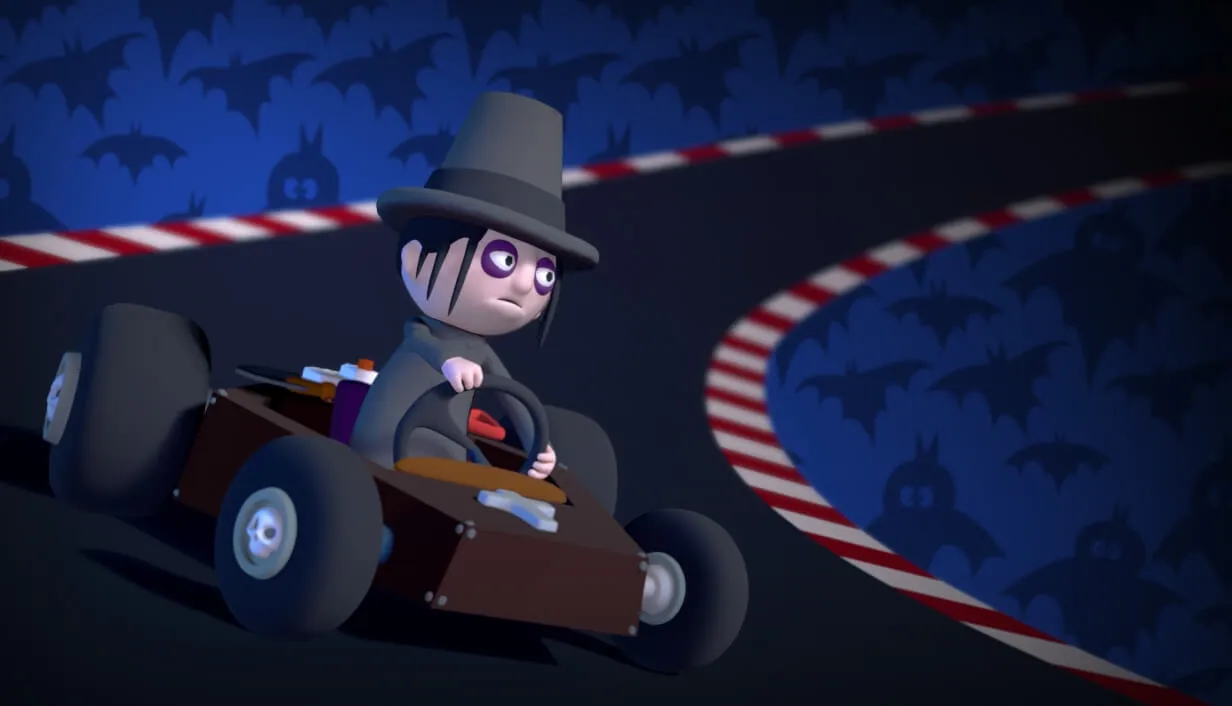
[PC/VR] Prepare yourself for a kart racing adventure where the eerie meets the exhilirating. Set in the shadow of the shadowy and mysterious Grindstone Manor, Monster House Racing challenges players to navigate eight unirue tracks teeming with haunted obstacles and eerie environments.
Official store
Trusted. Transparent. Reliable.
Secure payment
Only verified payments methods
To activate a CD key on Steam, follow these steps:
If you encounter any issues during activation, please see this Retail CD Keys article for more info. If problems persist, you may contact Xsolla Customer Support at Xsolla Help Center.
Interface: English
Full Audio: English
Subtitles: English
If you have any issues with your purchase, please email us at support@xsolla.com or simply click on the customer support button located on the bottom left of the homepage to start a live chat. In rare cases, it may take up to a few minutes for emails from Xsolla Mall to deliver.