

Sorry, your browser is not supported
Please use Google Chrome, Mozilla Firefox, Safari or Microsoft Edge to open this page
bg-image

Read Only Memories: NEURODIVER 

Track down a mysterious psychic entity fragmenting the memories of Neo-San Francisco's citizens.

About the game

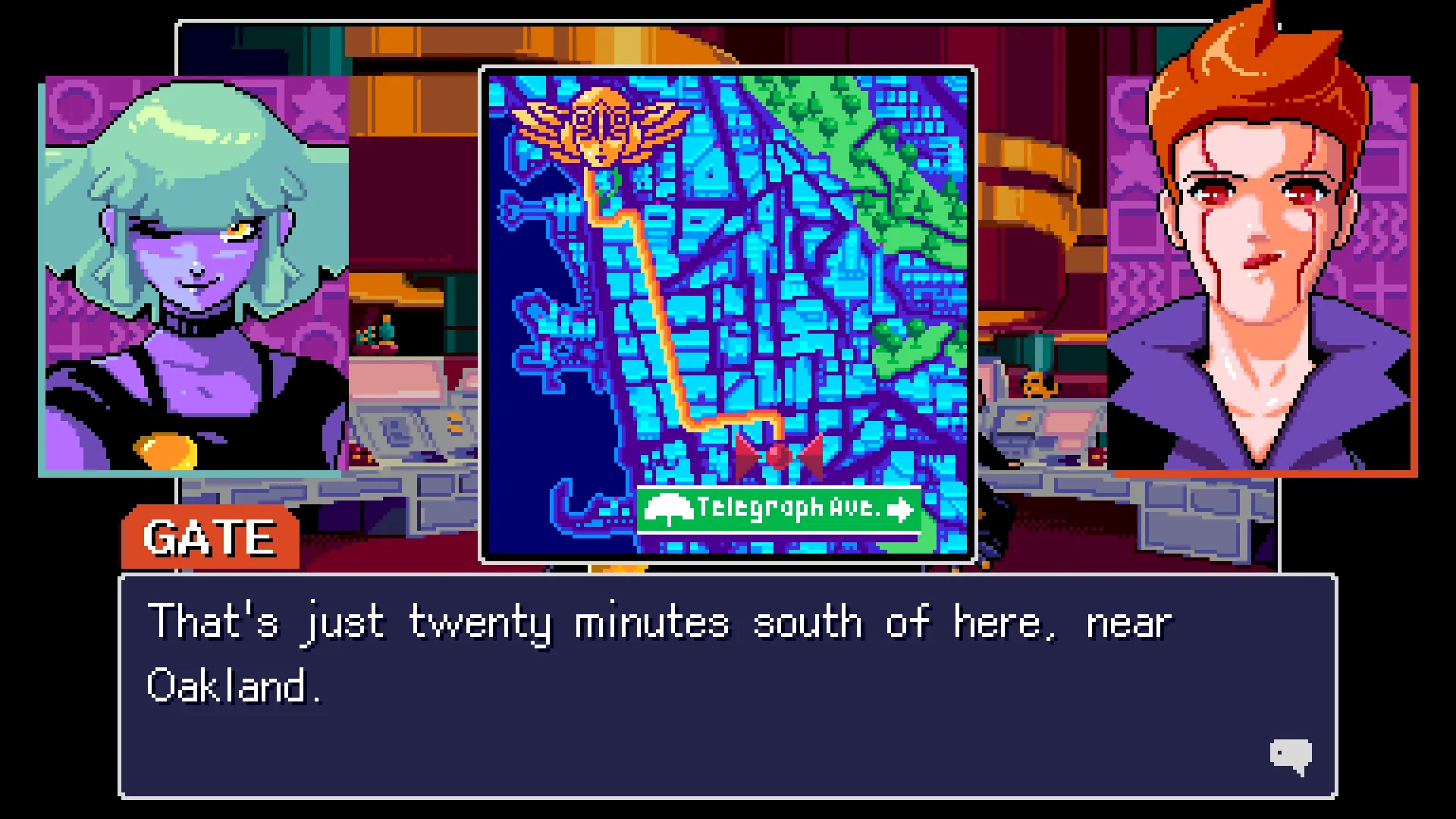
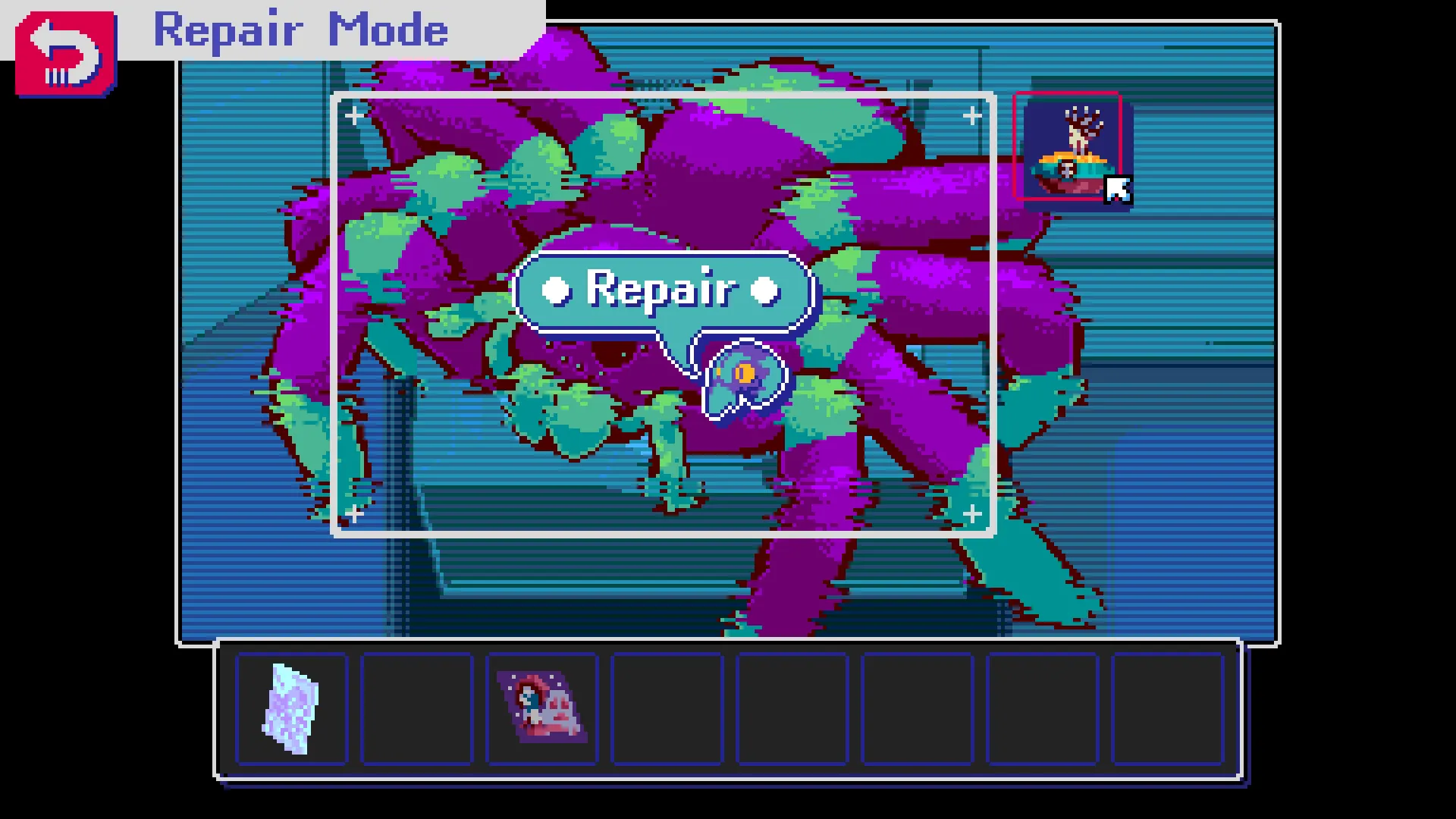
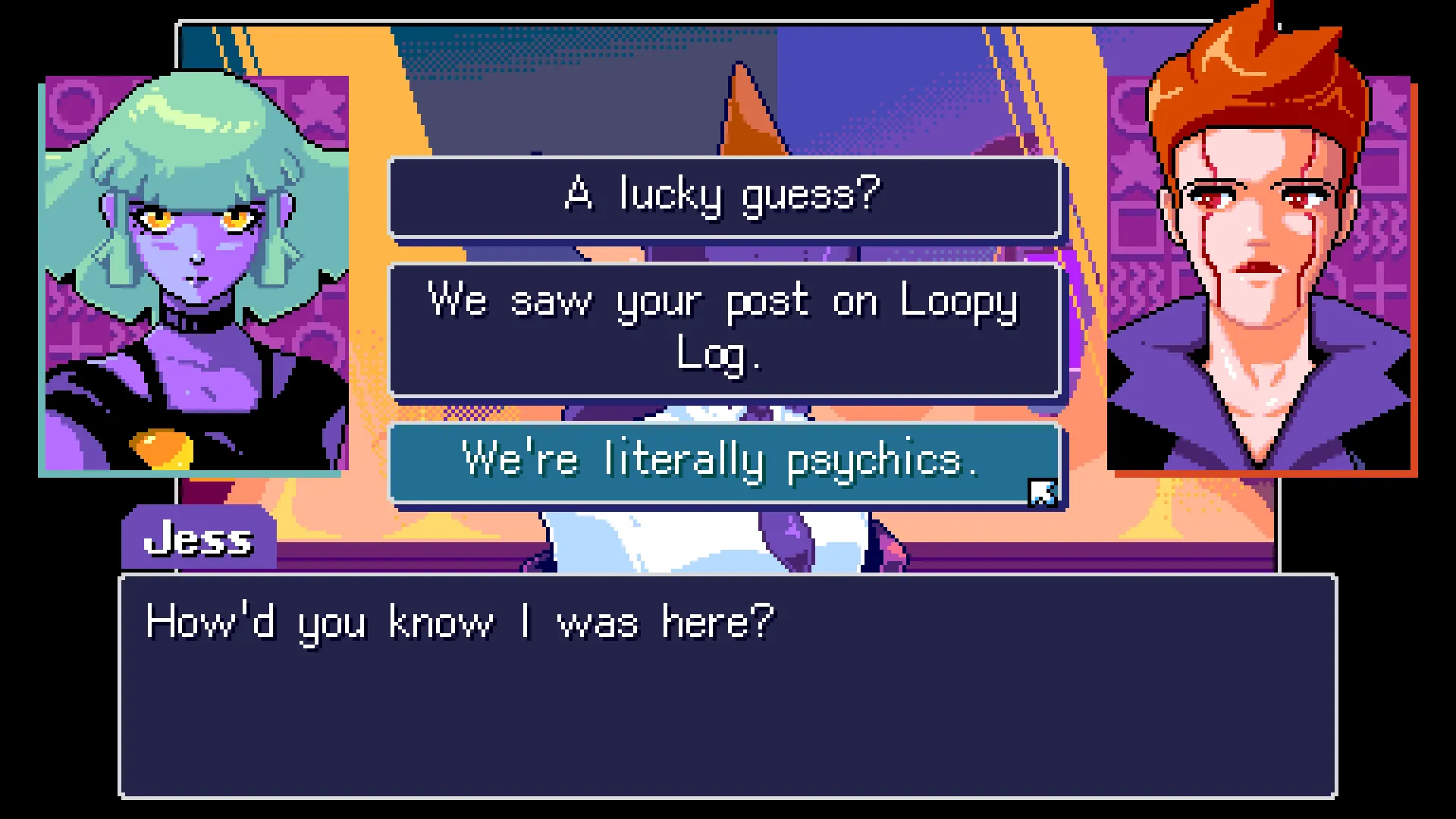
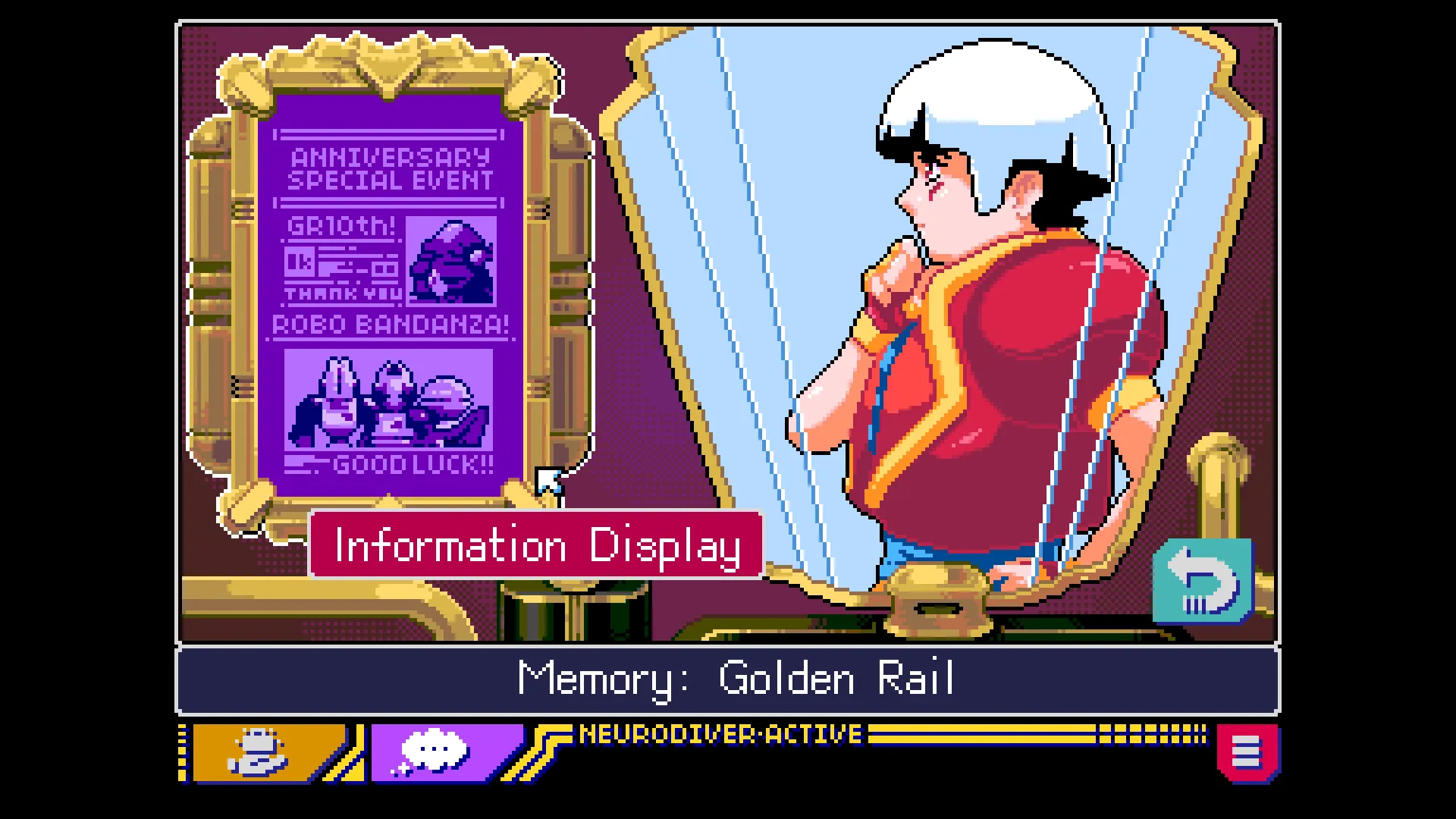
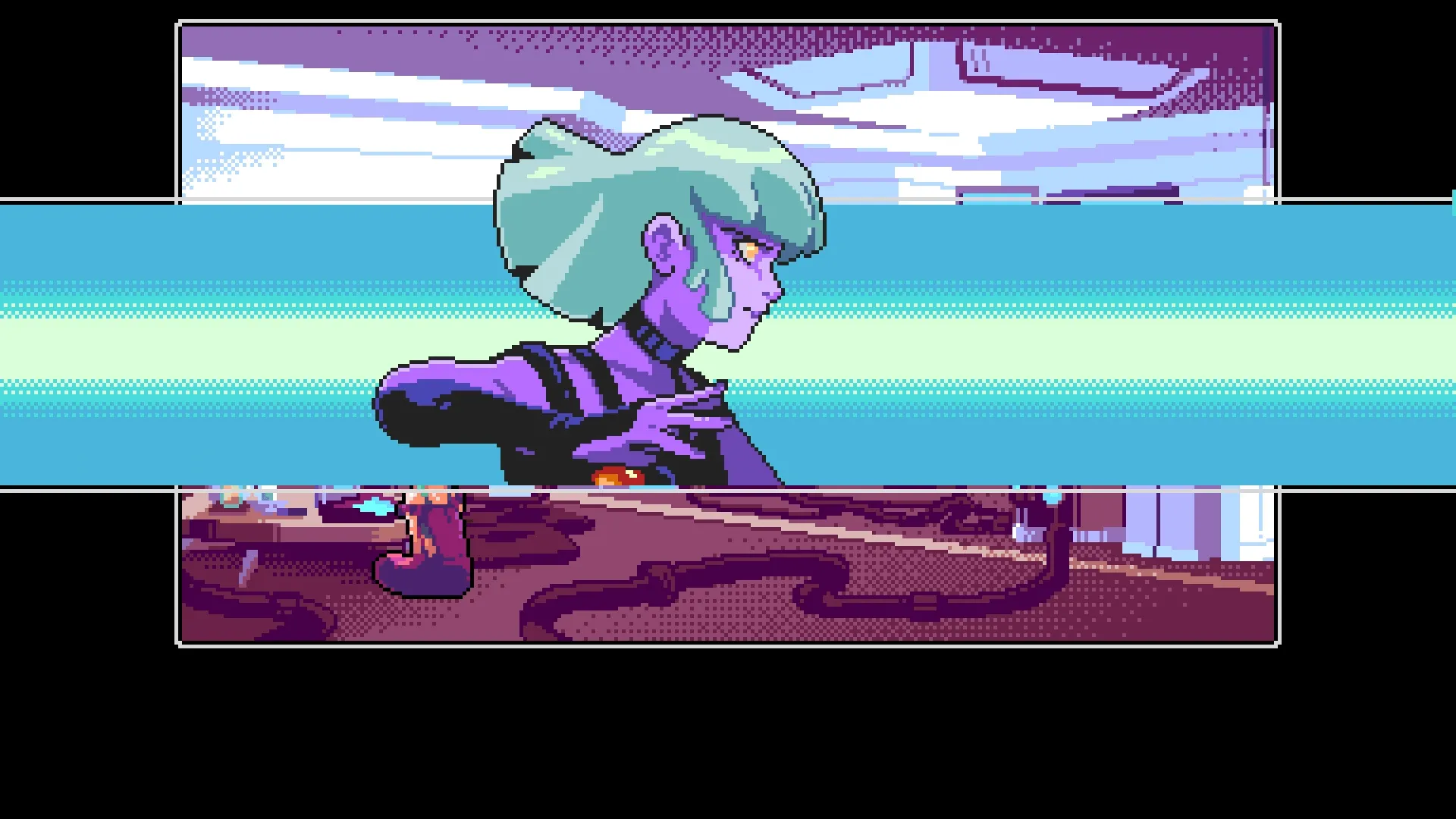
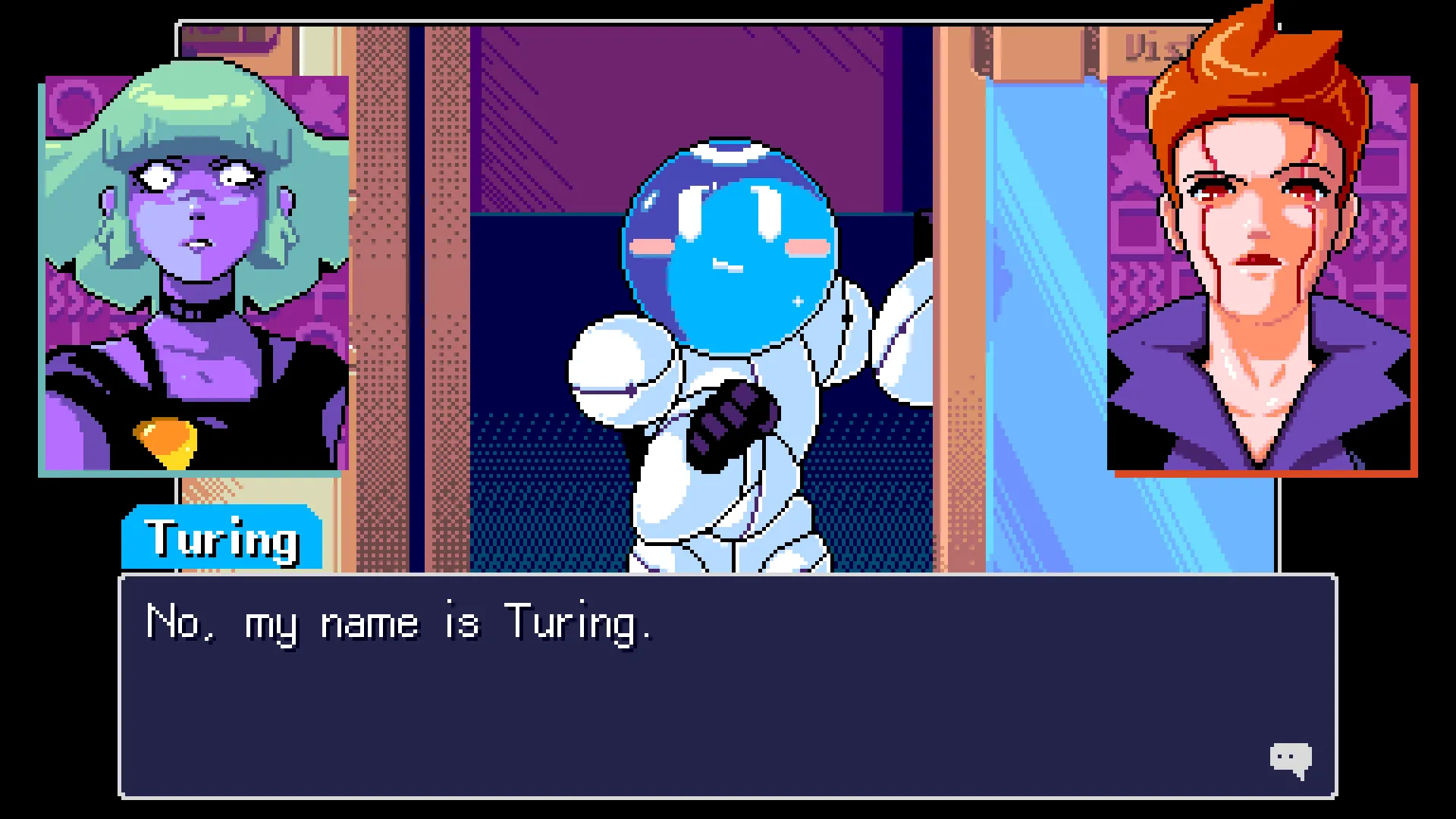
Meet ES88, a young psychic agent tasked with tracking down a mysterious antagonist hiding in people's memories. Help ES88 and her sidekick Neurodiver collect clues and piece together distorted fragments inside broken memories to put an end to Golden Butterfly's crimes. Explore a rich world with an intuitive point-and-click interface as you jam to the retro synth soundscape and interact with a beautifully animated cast of heroes and villains.
Official store

Trusted. Transparent. Reliable.

Secure payment

Only verified payments methods

FAQ

Explore Read Only Memories: NEURODIVER on x.la

Read Only Memories: NEURODIVER is a story-rich adventure and the sequel to 2064: Read Only Memories. Explore the rich world with an intuitive point-and-click interface as you take on the role of a young psychic agent tasked with tracking down a mysterious antagonist hiding in people's memories.

How do I activate a Steam key?

To activate a CD key on Steam, follow these steps:


  1. Launch the Steam client on your computer and log into your Steam account. If you don't have Steam installed, you can download and install it from the official Steam website.
  2. Click the Games menu option at the top of the Steam client.
  3. Select Activate a Product on Steam.
  4. Follow the onscreen instructions to complete the process.
  5. Once the game appears in your library, download and install it by clicking on it and selecting the Install button.


If you encounter any issues during activation, please see this Retail CD Keys article for more info. If problems persist, you may contact Xsolla Customer Support at Xsolla Help Center.

What does the base/standard edition include?

This edition includes the full base game for Read Only Memories: NEURODIVER.

What are the supported languages?

Interface: English, French, German, Spanish - Spain, Japanese, Simplified Chinese, Traditional Chinese, Spanish - Latin America

Full Audio: English

Subtitles: English, French, German, Spanish - Spain, Japanese, Simplified Chinese, Traditional Chinese, Spanish - Latin America

I have an issue with my purchase. How can I get help?

If you have any issues with your purchase, please email us at support@xsolla.com or simply click on the customer support button located on the bottom left of the homepage to start a live chat. In rare cases, it may take up to a few minutes for emails from Xsolla Mall to deliver.