
Wife Quest
Rescue your husband and defeat the Monster Girls in style!

Rescue your husband and defeat the Monster Girls in style!
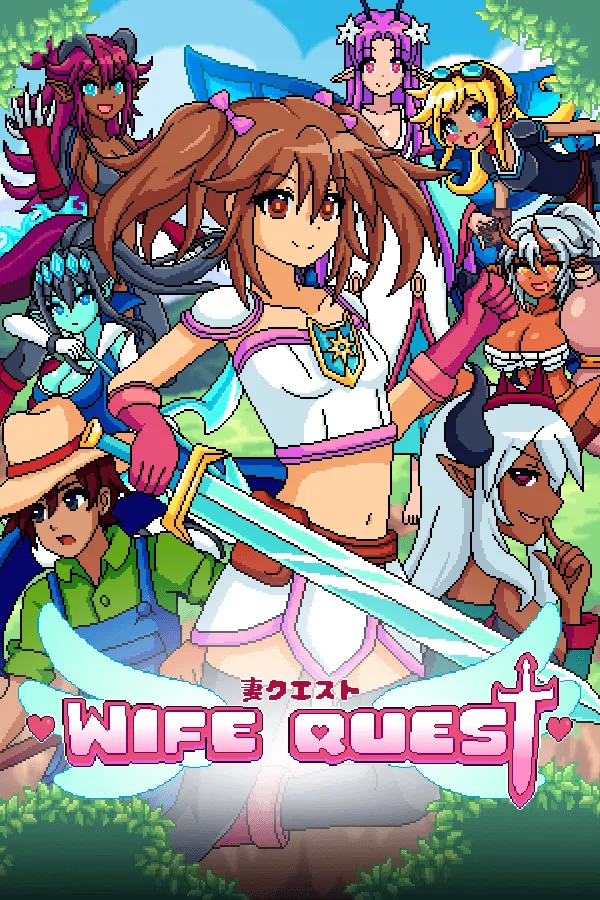
Wife Quest - Standard Edition
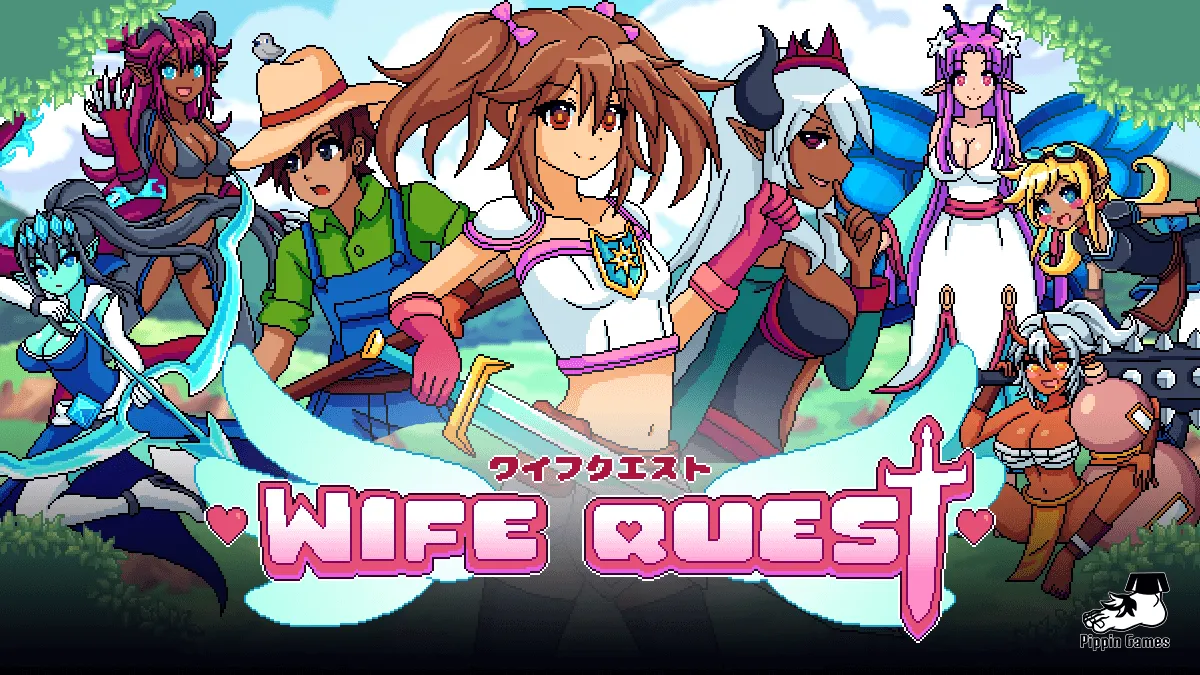
You’ve got a single purpose in Wife Quest: rescue Fernando, your kidnapped husband, who’s been snatched by Morganna, the Dark Elf. During your adventure, you’ll face Morganna’s companions, the Monster Girls.
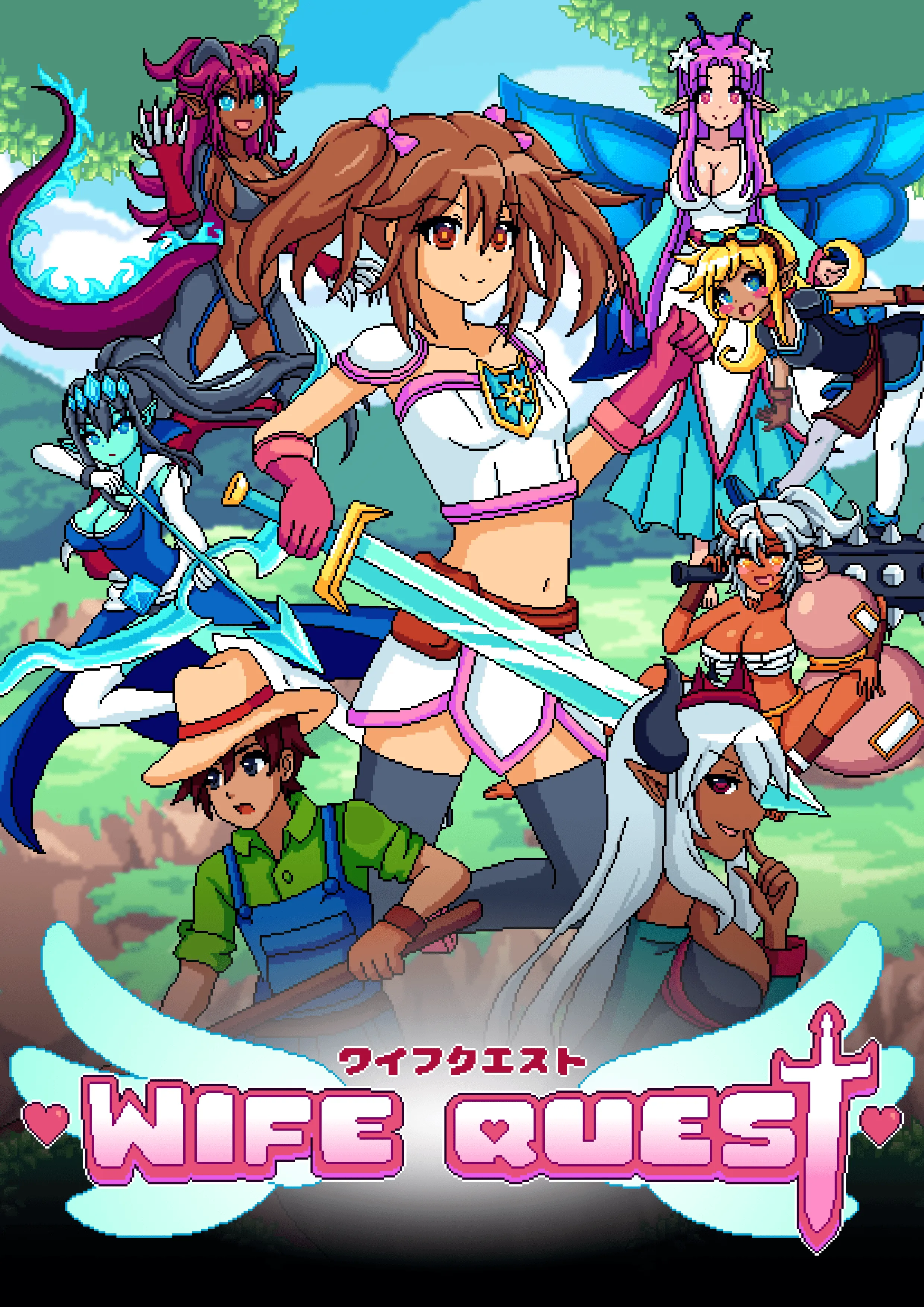
Wife Quest Deluxe Edition
The full Wife Quest package, including artbook and soundtrack.
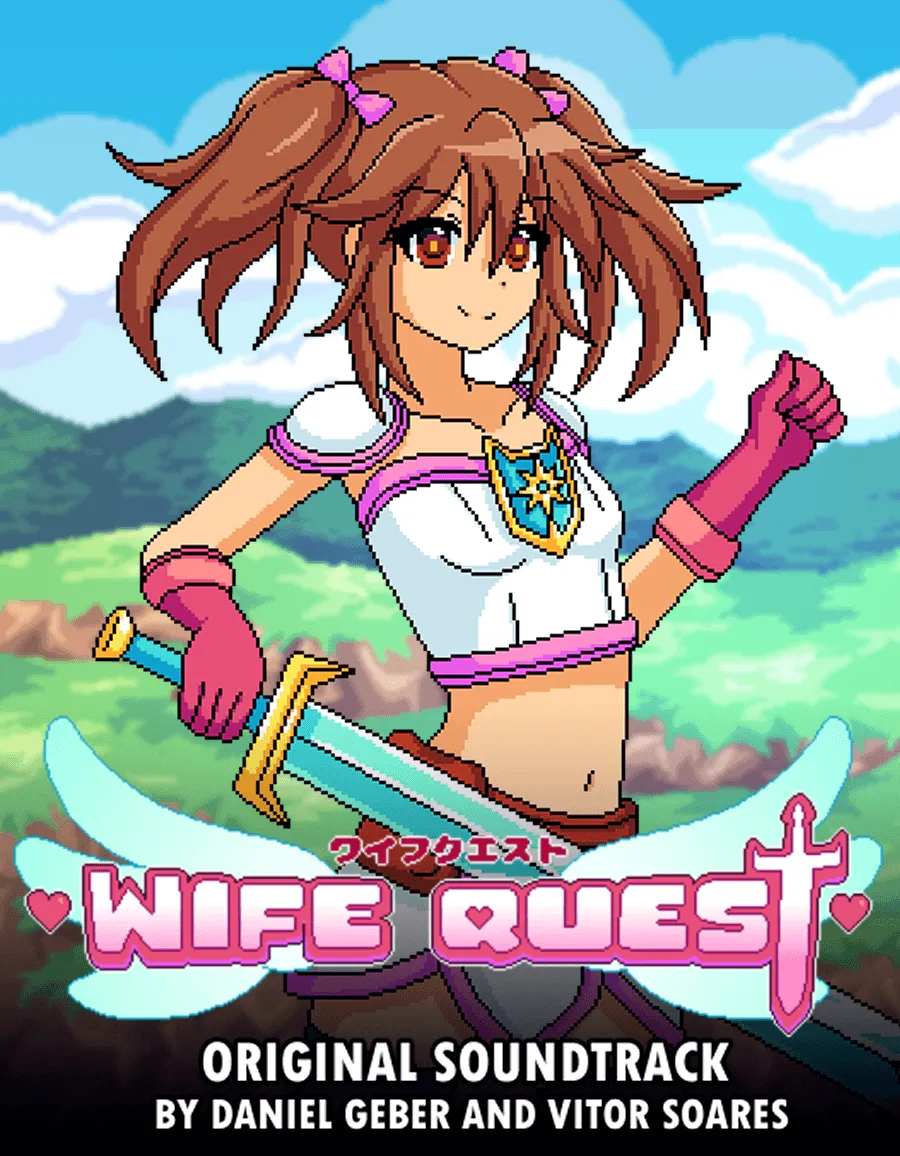
Wife Quest - Soundtrack
Official Wife Quest soundtrack by Daniel Geber and Vitor Soares. This package contains 11 music tracks from the game. All delivered in mp3 format.
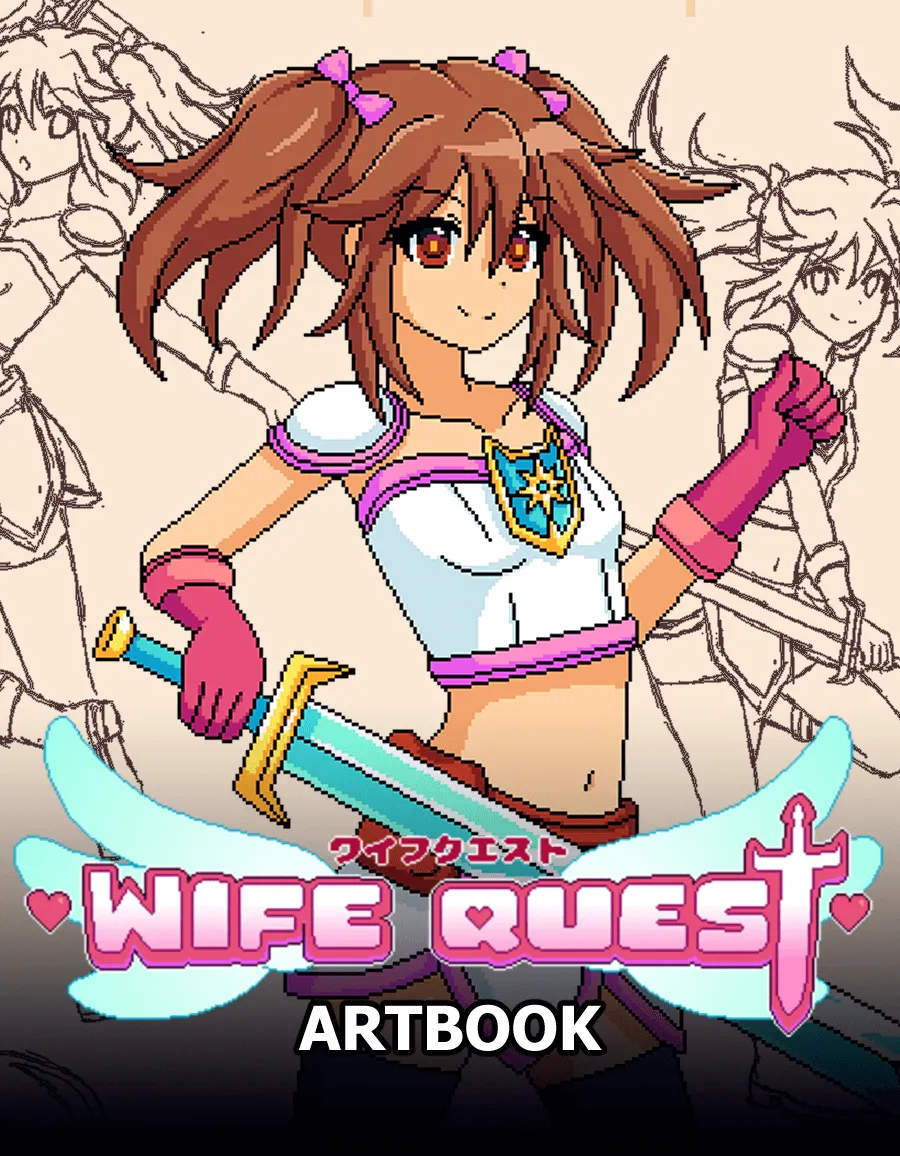
Wife Quest - Art Book
The Wife Quest Artbook has 62 pages with art of the game's characters, enemies, cutscenes and the entire evolution of Wife Quest during the game's development.
The package is available in 2 formats:
1. App Magazine
2. PDF
About the game
Embark on a quest to rescue Fernando! Battle Morganna and her Monster Girls in this fun and action-packed adventure.
Official store
Trusted. Transparent. Reliable.
Secure payment
Only verified payments methods
To activate a CD key on Steam, follow these steps:
If you encounter any issues during activation, please see this Retail CD Keys article for more info. If problems persist, you may contact Xsolla Customer Support at Xsolla Help Center.
Interface: English, Portuguese, French, German, Spanish Chinese, Japanese
Full Audio: N/A
Subtitles: English, Portuguese, French, German, Spanish Chinese, Japanese
If you have any issues with your purchase, please email us at support@xsolla.com or simply click on the customer support button located on the bottom left of the homepage to start a live chat. In rare cases, it may take up to a few minutes for emails from Xsolla Mall to deliver.