







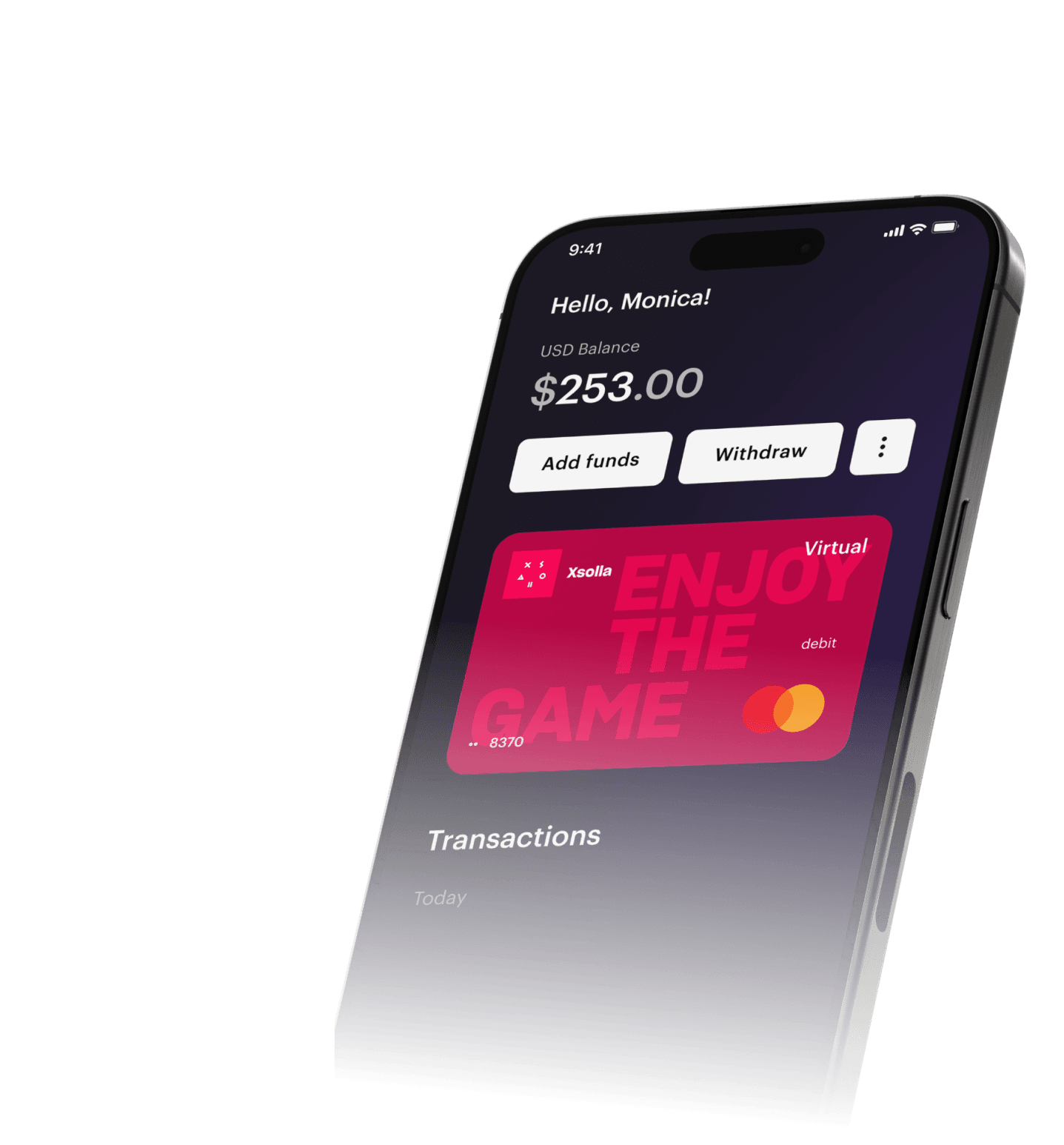
Enjoy enhanced access to your campaign earnings with Xsolla Money Account — a versatile, intuitive, all-in-one financial management solution




Scroll to learn more
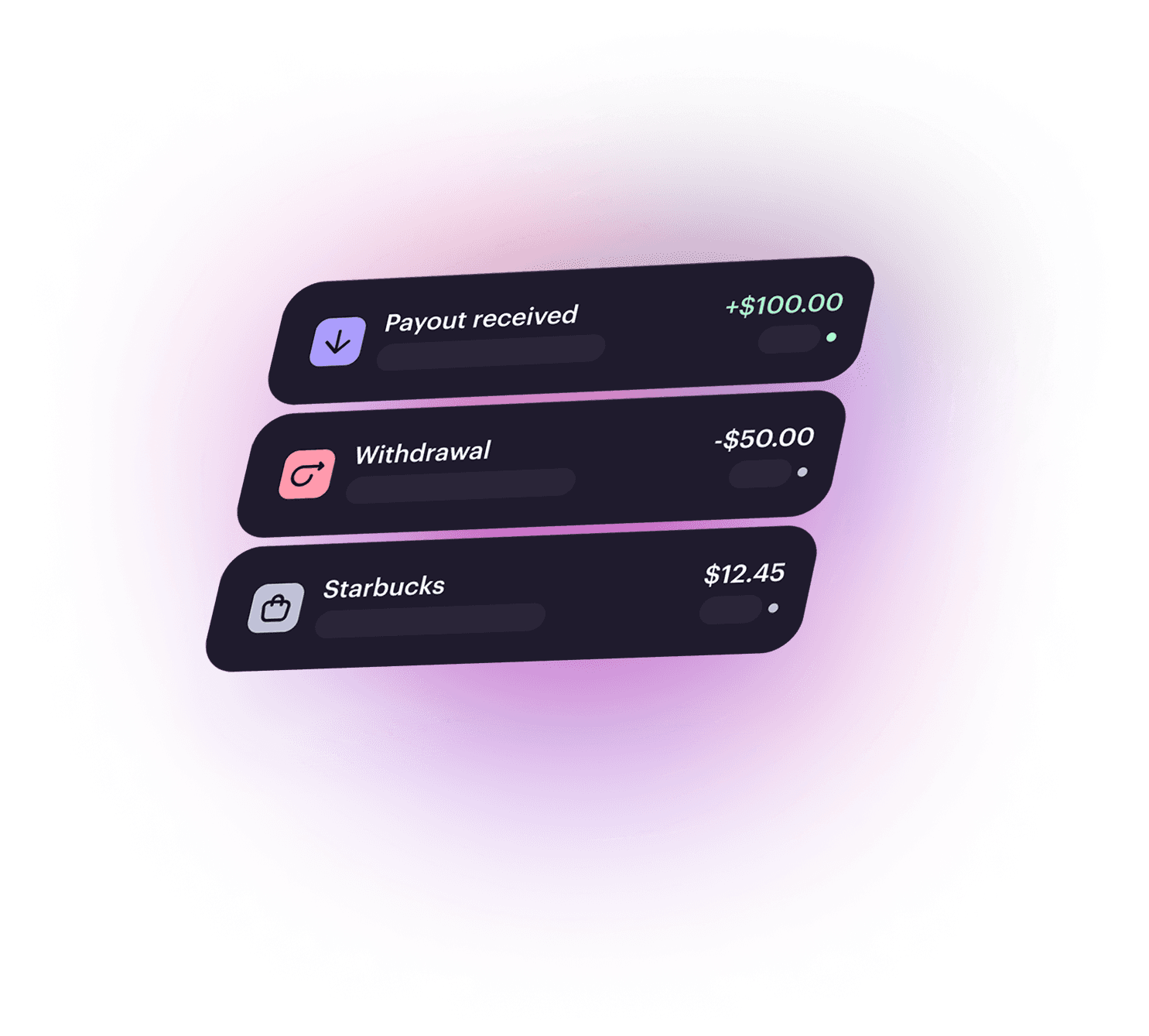
Simple, secure, and packed with utility, the Xsolla Money Account greatly enhances your payout experience

Faster payouts
Lower payout threshold


-$ 10.00
Xsolla Wallet

Chase •• 9045
Lower payout threshold
Cash out with a minimum of $10 instead of $100



Ultimate convenience
Store, receive, and transfer your funds from one convenient location



Start managing your money like a pro by following these easy, stress-free steps
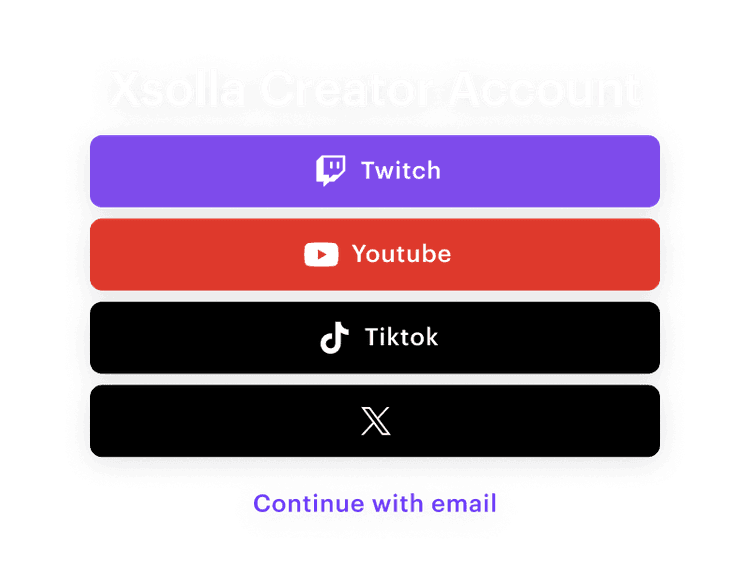
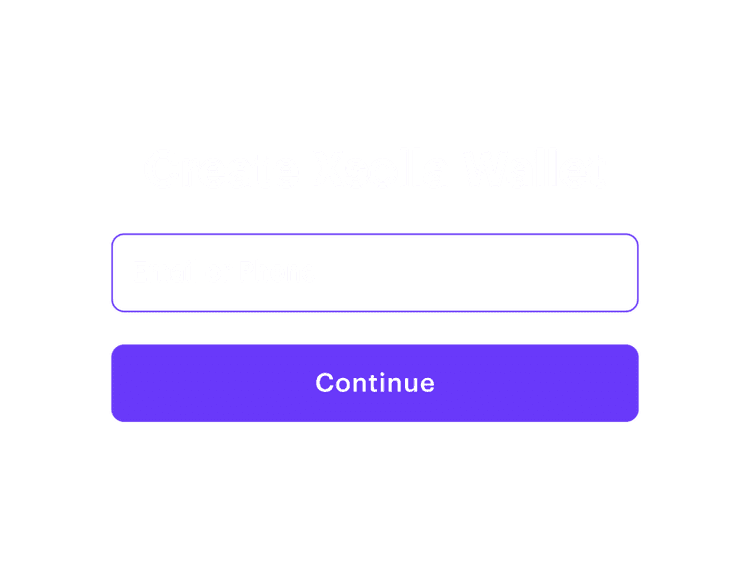
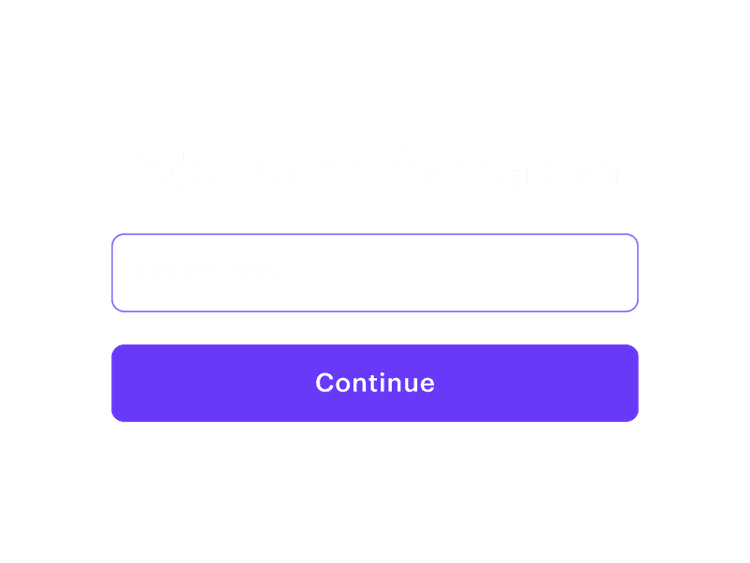
Log in to Xsolla Partner Network
Create Xsolla Wallet
Set up your profile & verify your account
Enjoy faster, easier payouts

A convenient way to pay in gaming and the real world

Instant access
Get your Xsolla Cash Mastercard® instantly upon account verification, offering immediate access to earnings

Flexibility
Spend your earnings on purchases online or in-store

No hidden fees
Ensure your earnings are protected with a card that prioritizes transparency and no hidden fees

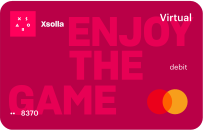
Xsolla Cash Mastercard®
Get your virtual card instantly and shop securely online and in-store


How do I create an Xsolla Money Account?
The Xsolla Money Account is an embedded finance solution of the Xsolla Wallet. To create an Xsolla Money Account, you must first set up your Xsolla Wallet.
Please note that the Xsolla Money Account is currently limited to Xsolla Partner Network members in the US.
Why do I have to verify my Xsolla Money Account?
Federal law requires Xsolla to collect certain information from all users with access to stored value balances. Our account verification process meets strict regulatory requirements and prioritizes your safety and security on our platform. Once we successfully confirm your identity and location information, you’ll have access to the full benefits of the Xsolla Money Account.
How do I verify my Xsolla Money Account?
You can start the verification process in two ways:
When withdrawing funds:
When ordering your Xsolla Cash Mastercard®:
For both methods, you will need to provide the last four digits of your SSN to complete verification.
How can I transfer (withdraw) money from my Xsolla Money Account to a linked bank account?
To make a withdrawal from your Xsolla Money Account to a bank account, follow these steps:
Please note that you must verify your account to process your first withdrawal. Until you complete the verification process, you cannot withdraw from your Xsolla Money Account balance.
How do I contact support if I have issues?
To connect with our customer support team, email support@xsolla.com or call +1-877-987-9233 for assistance. If you are a California resident, please contact +1-855-719-2087. You can also connect with our live support chat for immediate assistance.
How do I get an Xsolla Cash Mastercard®?
To get an Xsolla Cash Mastercard®, you must first create an Xsolla Money Account. Visit our Xsolla Money Account FAQs to discover how to create an Xsolla Money Account.
Once you have successfully created an Xsolla Money Account, complete the following steps: